3. Attach an ESD grounding strap to your bare wrist and connect the strap to one of the
ESD points on the chassis.
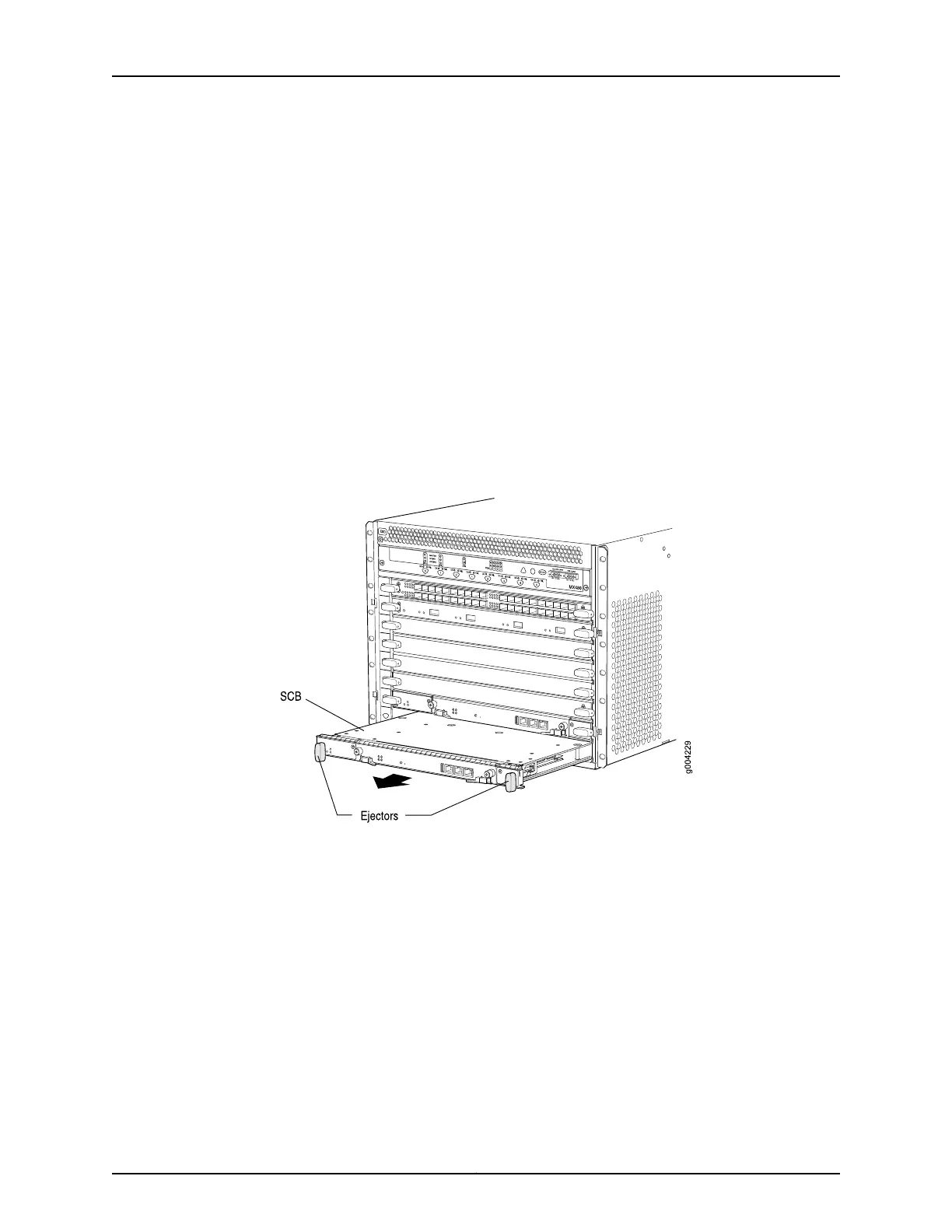
4. Rotate the ejector handles simultaneously counterclockwise to unseat the SCB.
5. Grasp the ejector handles, and slide the SCB about halfway out of the chassis.
6. Place one hand underneath the SCB to support it, and slide it completely out of the
chassis.
7. Place the SCB on the antistatic mat.
8. If you are not replacing the SCB now, install a blank panel over the empty slot.
Figure 165: Removing an SCB
See Also Operating and Positioning the MX480 SCB Ejectors•
• Effect of Taking the MX480 Host Subsystem Offline
• Taking an MX480 Host Subsystem Offline
• Installing an MX480 SCB on page 283
• Preventing Electrostatic Discharge Damage to an MX480 Router on page 484
Copyright © 2017, Juniper Networks, Inc.382
MX480 3D Universal Edge Router Hardware Guide



 To Next Page