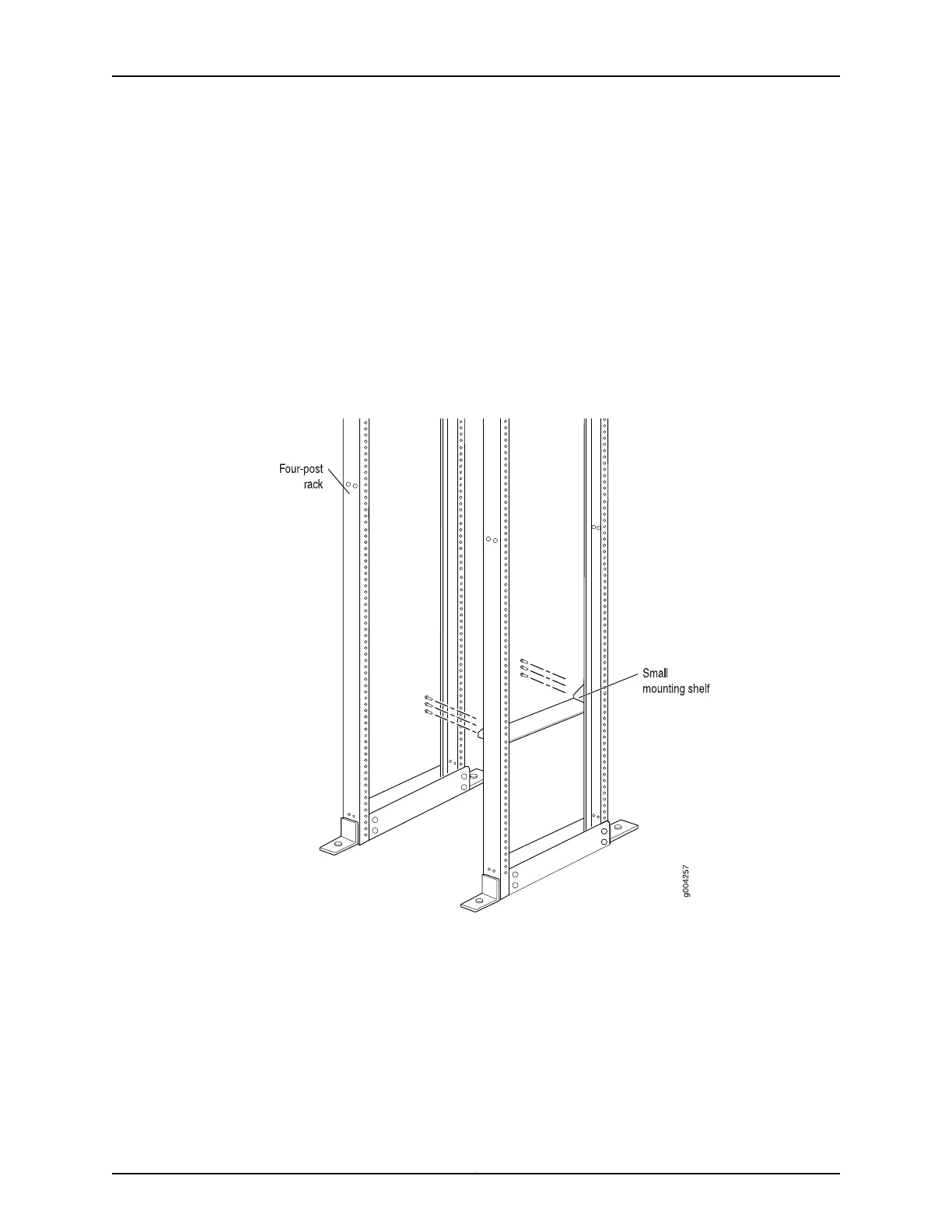
3. Install the small shelf on the back of the rack rails. Rest the bottom slot of each flange
on a mounting screw.
4. Partially insert the remaining screws into the open holes in each flange of the small
shelf (see Figure 50 on page 184 or Figure 51 on page 185).
5. Tighten all the screws completely.
Figure 50: Installing the Front-Mounting Hardware for a Four-Post Rack
or Cabinet
Copyright © 2017, Juniper Networks, Inc.184
MX480 3D Universal Edge Router Hardware Guide



 To Next Page