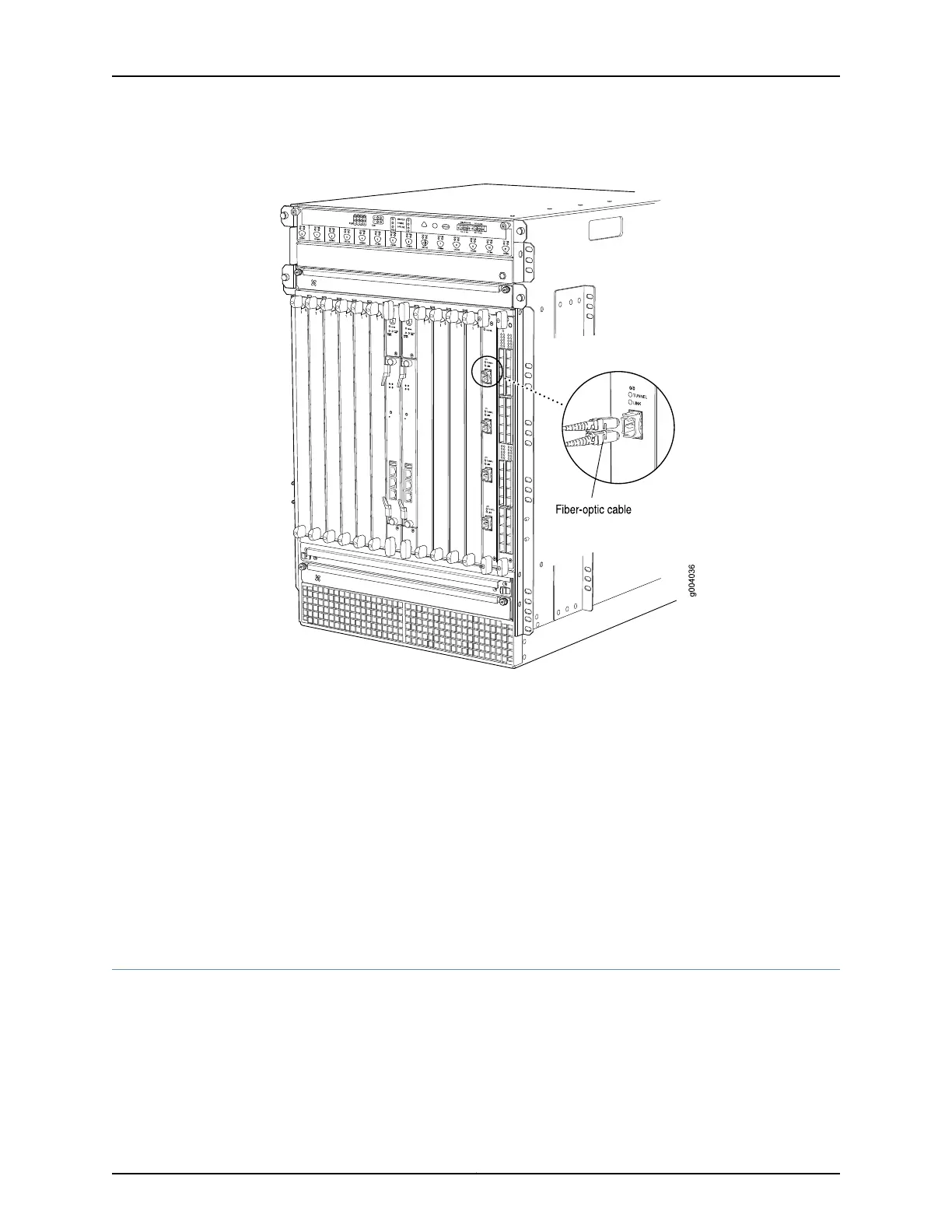
Figure 140: Attaching a Cable to a DPC
See Also Removing an MX480 DPC on page 323•
• Preventing Electrostatic Discharge Damage to an MX480 Router on page 484
Related
Documentation
Preventing Electrostatic Discharge Damage to an MX480 Router on page 484•
• MX480 Dense Port Concentrator (DPC) Description on page 55
• MX480 Dense Port Concentrator (DPC) LEDs on page 60
• Troubleshooting the MX480 DPCs on page 442
• Maintaining MX480 DPCs on page 420
Replacing a Cable on an MX480 DPC, MPC, MIC, or PIC
1.
Removing a Cable on an MX480 DPC, MPC, MIC, or PIC on page 329
2.
Installing a Cable on an MX480 DPC, MPC, MIC, or PIC on page 330
Copyright © 2017, Juniper Networks, Inc.328
MX480 3D Universal Edge Router Hardware Guide



 To Next Page