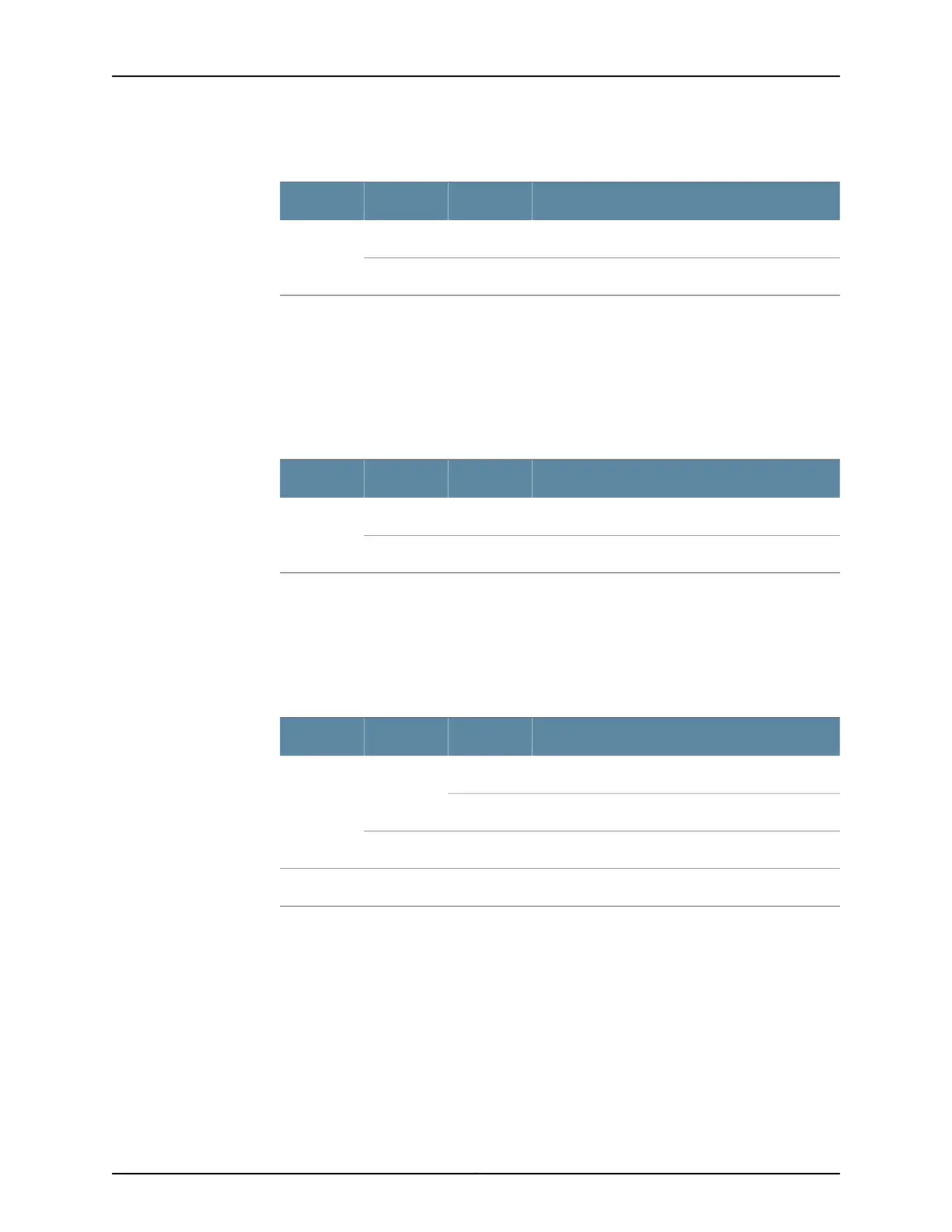
Table 8: Host Subsystem LEDs on the Craft Interface (continued)
DescriptionStateColorLabel
Host is installed but the Routing Engine is offline.On steadilyRedOFFLINE
Host is not installed.Off–
Power Supply LEDs on the MX480 Craft Interface
Each power supply has two LEDs on the craft interface that indicate its status. The LEDs,
labeled 0 through 3, are located on the upper left of the craft interface next to the PEM
label. Table 9 on page 17 describes the functions of the power supply LEDs on the craft
interface.
Table 9: Power Supply LEDs on the Craft Interface
DescriptionStateColorLabel
Power supply is functioning normally.On steadilyGreenPEM
Power supply has failed or power input has failed.On steadilyRed
DPC and MPC LEDs on the MX480 Craft Interface
Each DPC or MPC has LEDs on the craft interface that indicate its status. The LEDs,
labeled 0 through 5, are located along the bottom of the craft interface.
Table 10 on page 17 describes the functions of the LEDs.
Table 10: DPC and MPC LEDs on the Craft Interface
DescriptionStateColorLabel
Card is functioning normally.On steadilyGreenOK
Card is transitioning online or offline.Blinking
The slot is not online.Off–
Card has failed.On steadilyRedFAIL
FPC LEDs on the MX480 Craft Interface
An FPC takes up two DPC slots when installed in an MX Series router. The LEDs, labeled
0 through 5, are located along the bottom of the craft interface. The LED corresponds
to the lowest DPC slot number in which the FPC is installed. Table 11 on page 18 describes
the functions of the FPC LEDs.
17Copyright © 2017, Juniper Networks, Inc.
Chapter 3: Chassis Components and Descriptions



 To Next Page