CAUTION: Avoid bending fiber-optic cable beyond its minimum bend
radius.An arc smallerthan a few inches in diameter can damage the cable
and cause problems that are difficult to diagnose.
CAUTION: Do not let fiber-optic cable hang free from the connector. Do
not allow fastened loops of cable to dangle, which stresses the cable at
the fastening point.
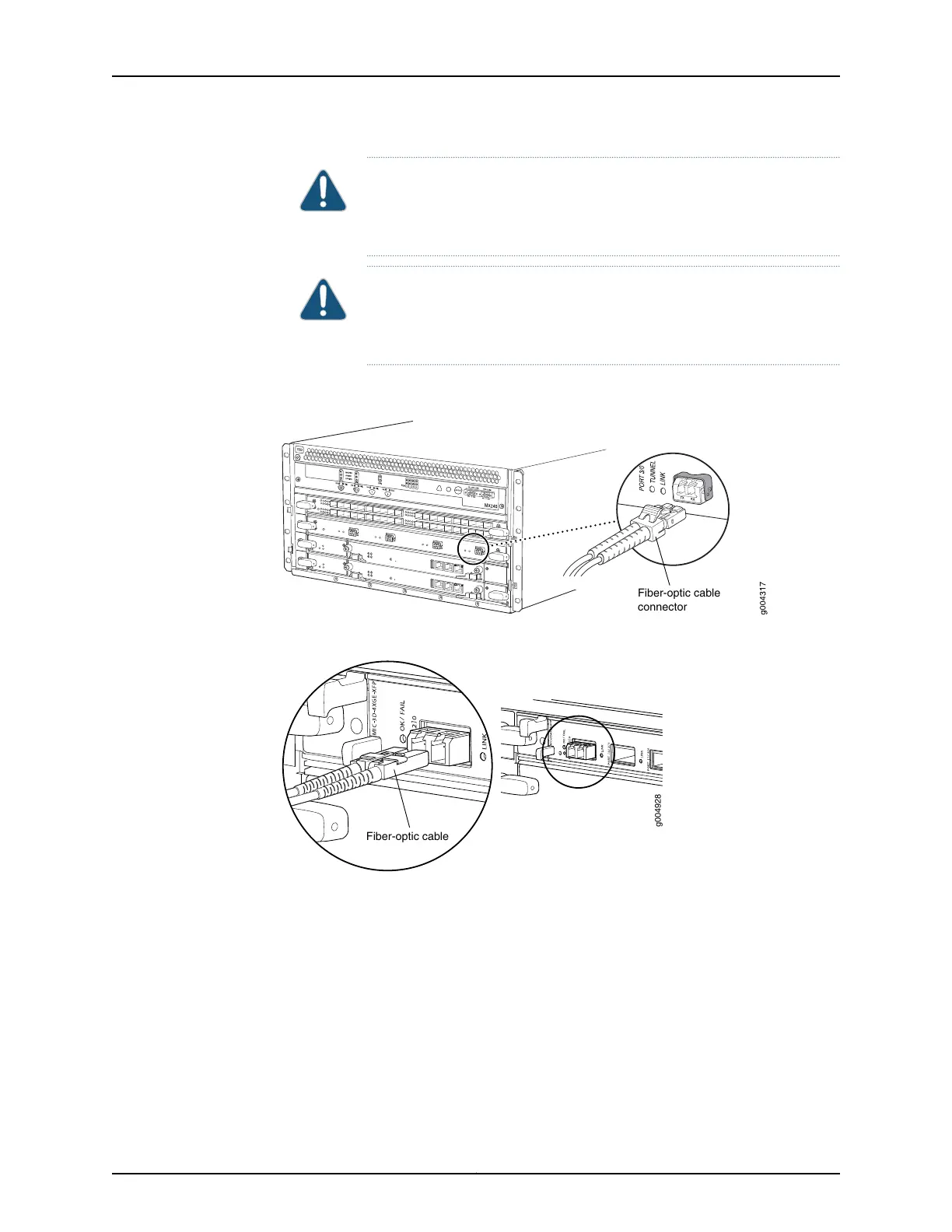
Figure 88: Attaching a Cable to a DPC
Fiber-optic cable
connector
Figure 89: Attaching a Cable to a MIC
Related
Documentation
Tools and Parts Required for MX480 Router Connections on page 231•
Copyright © 2017, Juniper Networks, Inc.238
MX480 3D Universal Edge Router Hardware Guide



 To Next Page