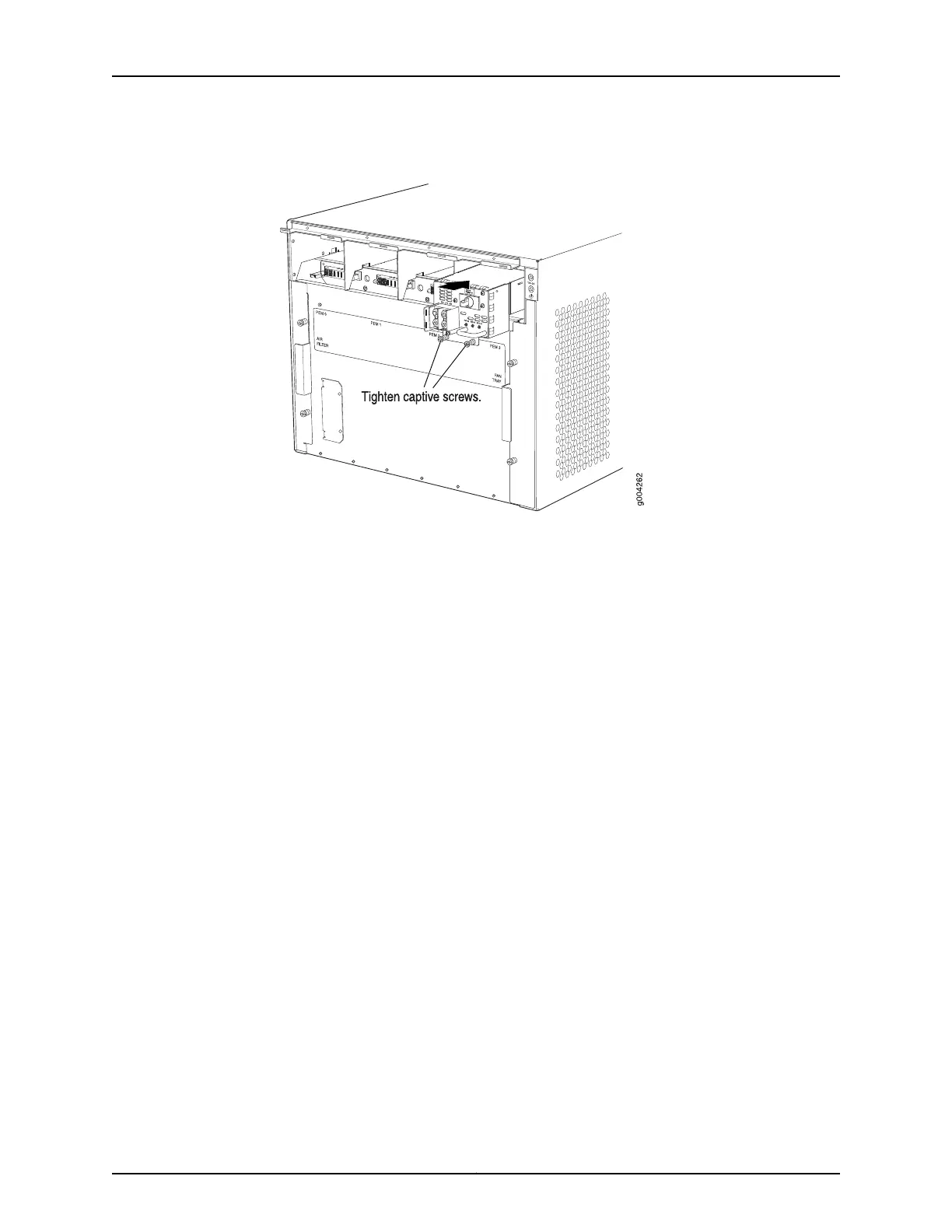
Figure 69: Reinstalling a Power Supply
Reinstalling the Fan Tray After Installing the MX480 Router Without a Lift
To reinstall the fan tray (see Figure 70 on page 212):
1. Attach an ESD grounding strap to your bare wrist and connect the strap to one of the
ESD points on the chassis.
2. Grasp the fan tray on each side, and insert it straight into the chassis. Note the correct
orientation by the "this side up" label on the top surface of the fan tray.
3. Tighten the captive screws on the fan tray faceplate to secure it in the chassis.
211Copyright © 2017, Juniper Networks, Inc.
Chapter 16: Installing the MX480 Router



 To Next Page