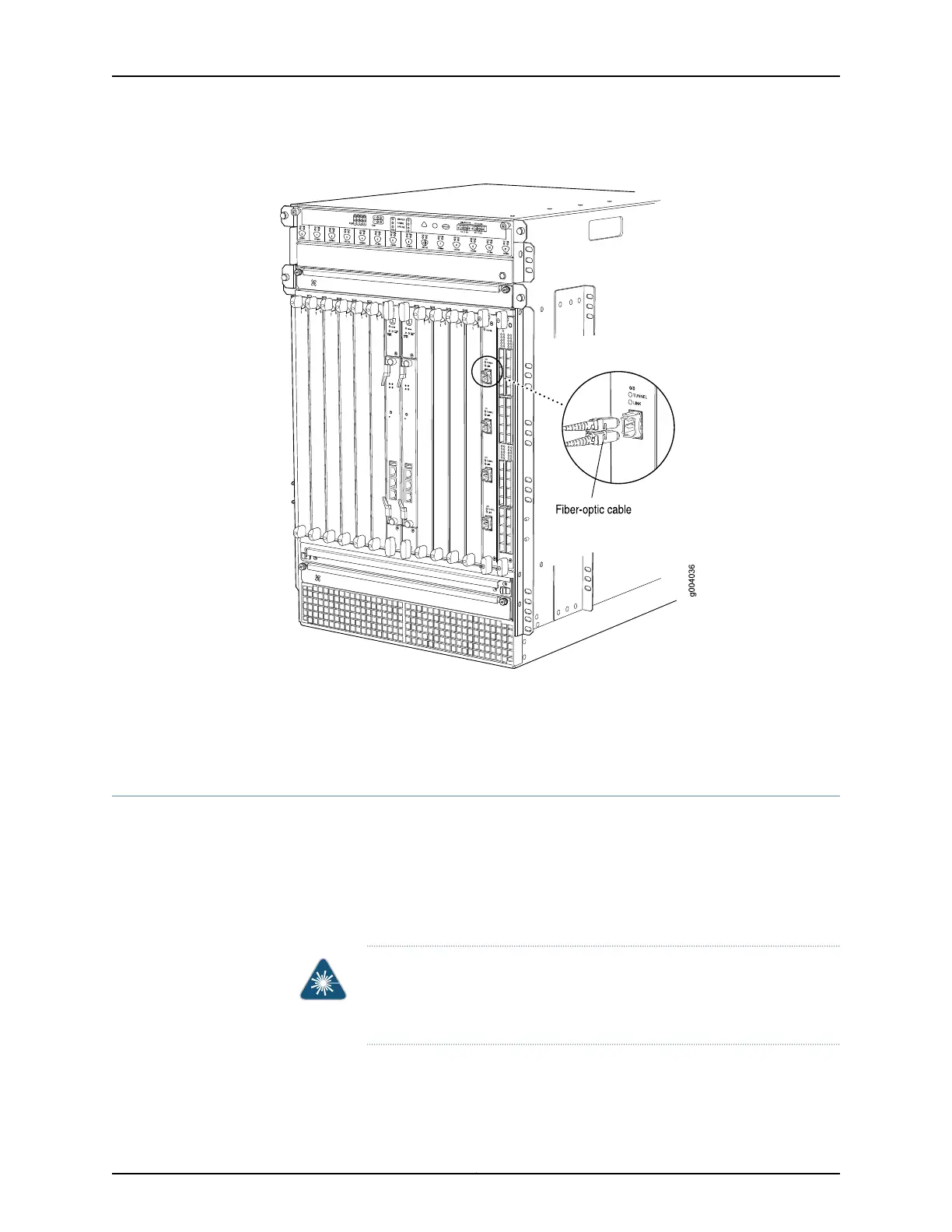
Figure 96: Attaching a Cable to a DPC
Related
Documentation
Removing an MX480 DPC on page 323•
• Preventing Electrostatic Discharge Damage to an MX480 Router on page 484
Installing a Cable on an MX480 DPC, MPC, MIC, or PIC
To install a cable:
1. Have ready a length of the type of cable used by the DPC, MPC, MIC, or PIC. For cable
specifications, see the MX Series Interface Module Reference.
2. If the cable connector port is covered by a rubber safety plug, remove the plug.
WARNING: Do not look directly into a fiber-optic transceiver or into the
ends of fiber-optic cables. Fiber-optic transceivers and fiber-optic cable
connected to a transceiver emit laser light that can damage your eyes.
259Copyright © 2017, Juniper Networks, Inc.
Chapter 21: Installing Components



 To Next Page