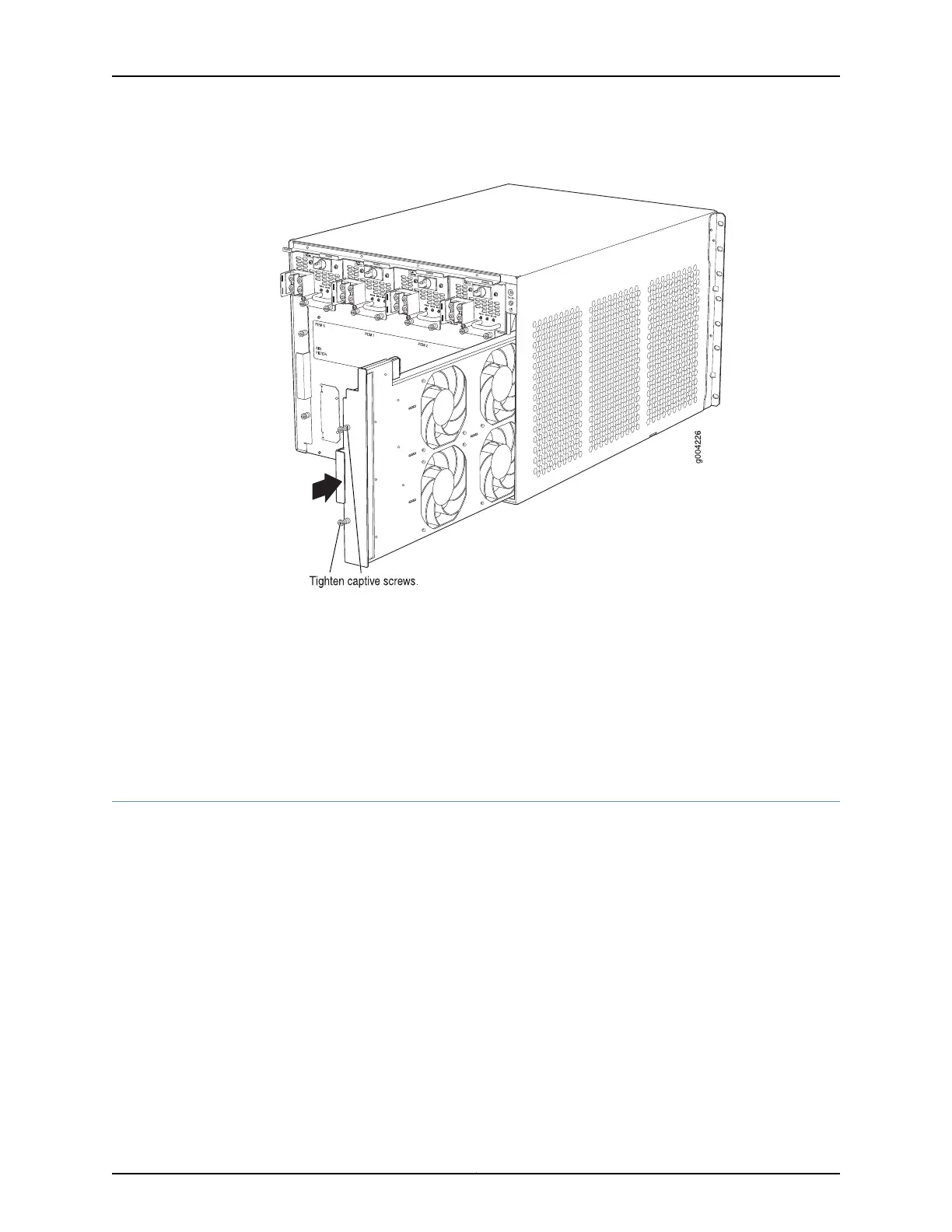
Figure 93: Installing the Fan Tray
Related
Documentation
Preventing Electrostatic Discharge Damage to an MX480 Router on page 484•
• Removing the MX480 Fan Tray on page 298
• Maintaining the MX480 Fan Tray on page 416
• MX480 Cooling System Description on page 21
• Troubleshooting the MX480 Cooling System on page 442
Installing an MX480 Routing Engine
To install a Routing Engine into an SCB (see Figure 94 on page 255):
1. Attach an ESD grounding strap to your bare wrist and connect the strap to one of the
ESD points on the chassis.
2. Ensure that the ejector handles are not in the locked position. If necessary, flip the
ejector handles outward.
3. Place one hand underneath the Routing Engine to support it.
4. Carefully align the sides of the Routing Engine with the guides inside the opening on
the SCB.
Copyright © 2017, Juniper Networks, Inc.254
MX480 3D Universal Edge Router Hardware Guide



 To Next Page