FPC with the faceplate facing you. Carefully insert the FPC connector edge into the
opening of the bag, and pull the bag toward you to cover the FPC.
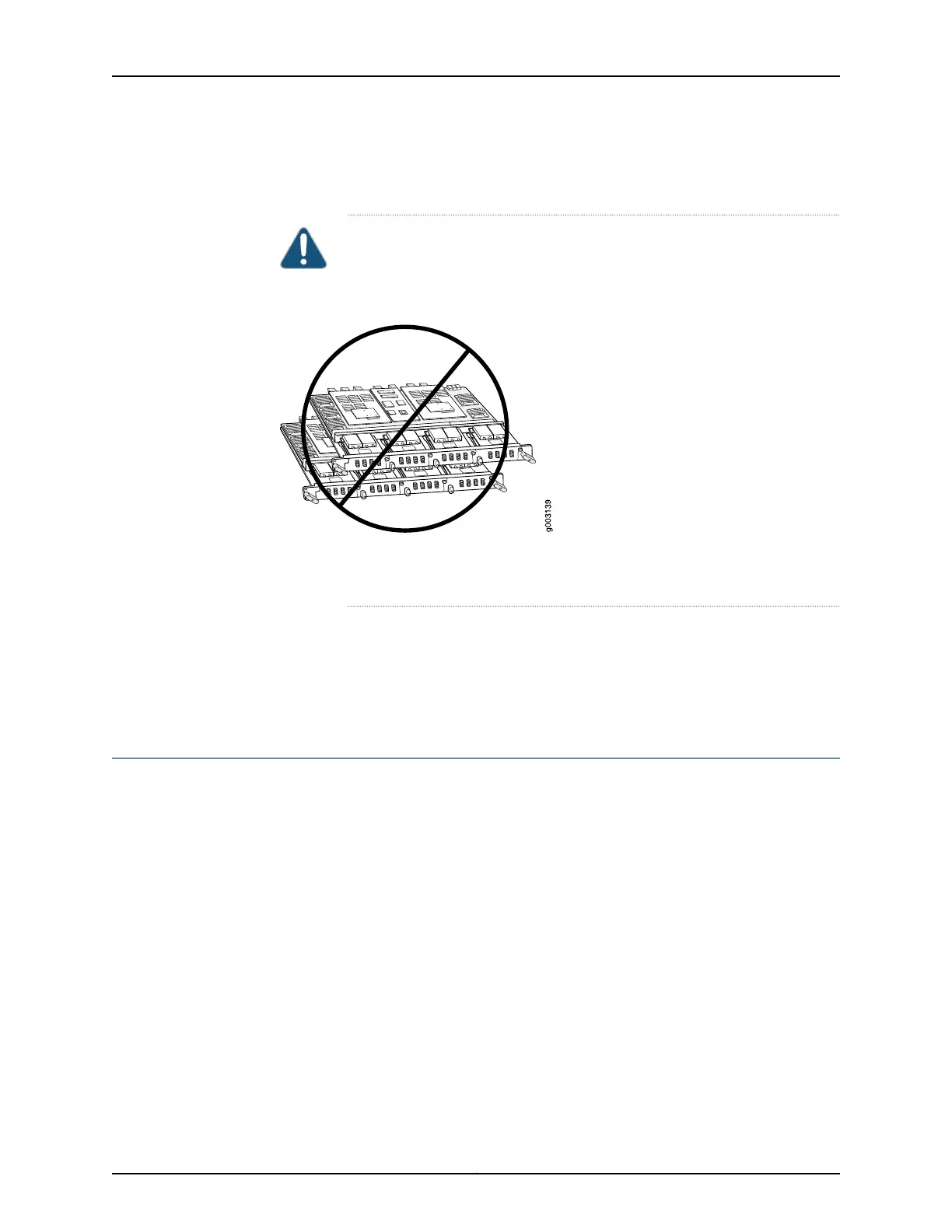
CAUTION: To prevent damage when storing FPCs:
Never lay an FPC component-side down.
•
Figure 173: Do Not Stack FPCs
•
Never stack an FPC under or on top of any other component (see
Figure 173 on page 430).
Related
Documentation
MX480 Flexible PIC Concentrator (FPC) Description on page 63•
• MX480 FPC Terminology
• Holding an MX480 FPC on page 427
Maintaining MX480 MICs
Purpose For optimum router performance, verify the condition of the MICs.
Action On a regular basis:
• Check the LEDs on MIC faceplates. The meaning of the LED states differs for various
MICs. For more information, see the MX Series Interface Module Reference. If the MPC
that houses the MIC detects a MIC failure, the MPC generates an alarm message to be
sent to the Routing Engine.
• Issue the CLI show chassis fpc pic-status command. The MIC slots in an MPC are
numbered PIC 0/1 and PIC 2/3, left to right:
user@host> show chassis fpc pic-status
Slot 0 Online DPCE 4x 10GE R EQ
PIC 0 Online 1x 10GE(LAN/WAN) EQ
PIC 1 Online 1x 10GE(LAN/WAN) EQ
PIC 2 Online 1x 10GE(LAN/WAN) EQ
PIC 3 Online 1x 10GE(LAN/WAN) EQ
Slot 1 Online DPCE 40x 1GE R EQ
Copyright © 2017, Juniper Networks, Inc.430
MX480 3D Universal Edge Router Hardware Guide



 To Next Page