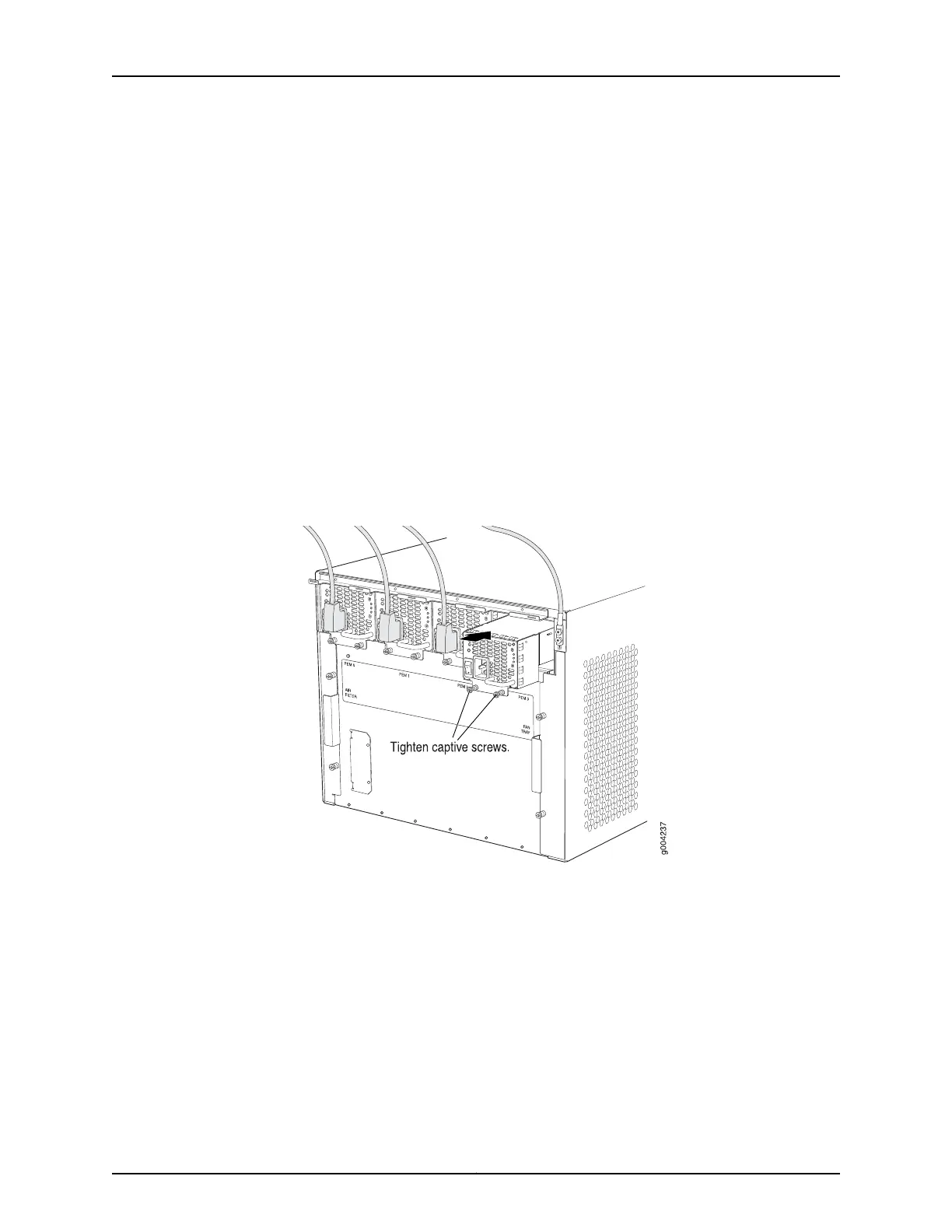
5. Attach the power cord to the power supply.
6. Route the power cord along the cable restraint toward the left or right corner of the
chassis. If needed to hold the power cord in place, thread plastic cable ties, which you
must provide, through the openings on the cable restraint.
7. Attach the power cord to the AC power source, and switch on the dedicated customer
site circuit breaker for the power supply. Follow the ESD and connection instructions
for your site.
8. Move the AC input switch next to the appliance inlet on the power supply to the on (
| ) position and observe the status LEDs on the power supply faceplate. If the power
supply is correctly installed and functioning normally, the AC OK and DC OK LEDs light
steadily, and the PS FAIL LED is not lit.
Figure 107: Installing an AC Power Supply in an MX480 Router
Related
Documentation
Preventing Electrostatic Discharge Damage to an MX480 Router on page 484•
• Removing an MX480 AC Power Supply on page 367
• MX480 AC Power Supply Description on page 100
279Copyright © 2017, Juniper Networks, Inc.
Chapter 21: Installing Components



 To Next Page