12. After you remove each MIC, immediately place it on an antistatic mat or in an
electrostatic bag.
13. If you are not reinstalling an MPC into the emptied line card slots within a short time,
install a blank DPC panel over each slot to maintain proper airflow in the card cage.
CAUTION: After removing an MPC from the chassis, wait at least 30
seconds before reinserting it or inserting an MPC into a different slot.
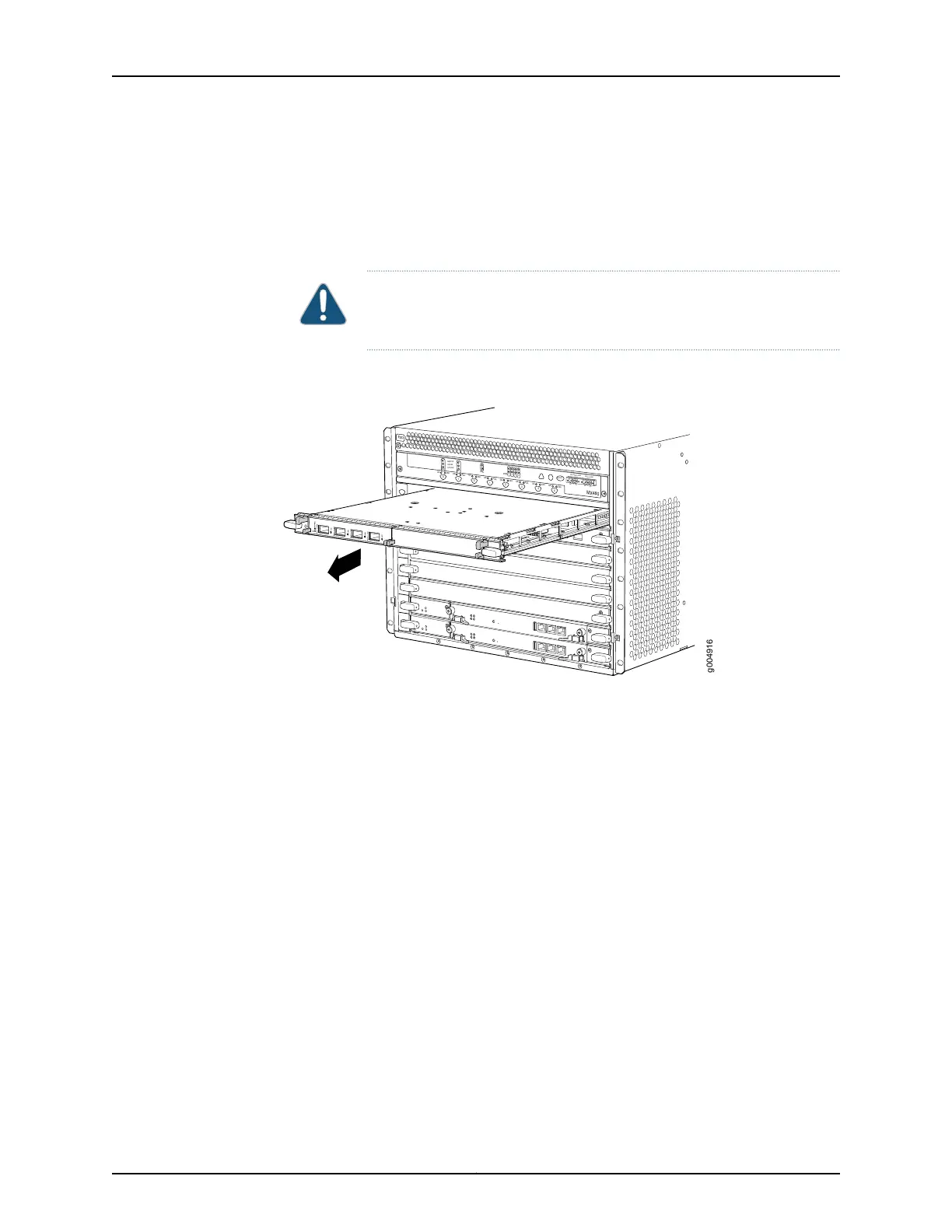
Figure 149: Removing an MPC
OK
MASTER
FAN
ONLINE
OFFLINE
0
1
1
0
FAIL
FAIL
PEM
FAIL
FAIL
FAIL
FAIL
FAIL
FAIL
ESD
OK
OK
OK
OK
OK
OK
OK
2
3
4
5
ACO/LT
YELLOW ALARM
RED ALARM
NC
NO
C
NC
NO
C
MX480
REO
RE1
0
1
2
3
SCB
SCB
g004916
See Also MX480 Modular Port Concentrator (MPC) Description on page 87•
• Maintaining MX480 MPCs on page 431
• Tools and Parts Required to Replace MX480 Hardware Components on page 248
• Installing an MX480 MPC on page 269
• Removing an MX480 MIC on page 338
• Preventing Electrostatic Discharge Damage to an MX480 Router on page 484
• MX480 MPC Serial Number Label on page 467
347Copyright © 2017, Juniper Networks, Inc.
Chapter 25: Replacing Line Card Components



 To Next Page