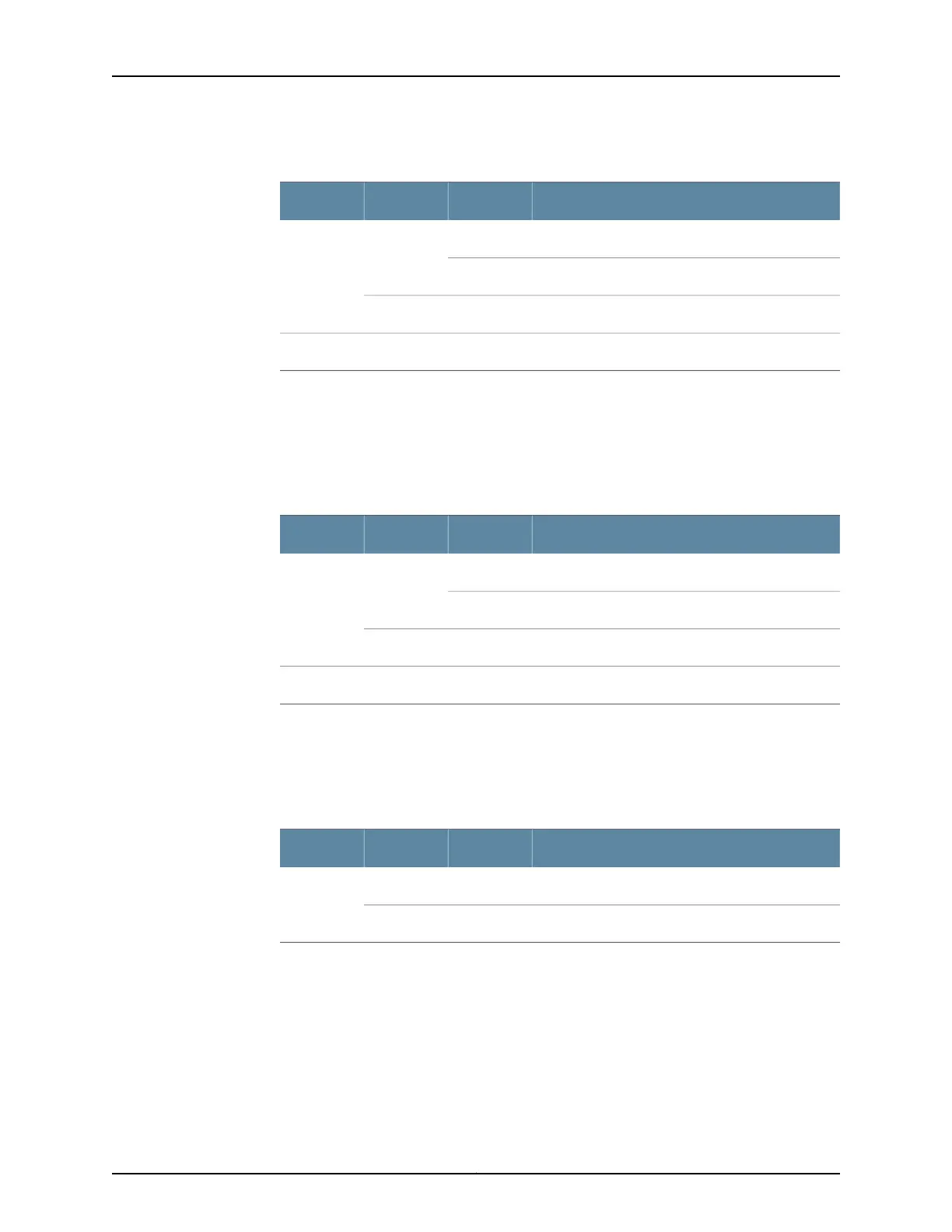
Table 11: FPC LEDs on the Craft Interface
DescriptionStateColorLabel
FPC is functioning normally.On steadilyGreenOK
FPC is transitioning online or offline.Blinking
The slot is not online.Off–
FPC has failed.On steadilyRedFAIL
SCB LEDs on the MX480 Craft Interface
Each SCB has two LEDs on the craft interface that indicates its status. The SCB LEDs,
labeled 0 and 1, are located along the bottom of the craft interface. Table 12 on page 18
describes the functions of the SCB LEDs.
Table 12: SCB LEDs on the Craft Interface
DescriptionStateColorLabel
SCB: Fabric and control board functioning normally.On steadilyGreenOK
SCB is transitioning online or offline.Blinking
The slot is not online.Off–
SCB has failed.On steadilyRedFAIL
Fan LEDs on the MX480 Craft Interface
The fan LEDs are located on the top left of the craft interface. Table 13 on page 18
describes the functions of the fan LEDs.
Table 13: Fan LEDs on the Craft Interface
DescriptionStateColorLabel
Fan is functioning normally.On steadilyGreenFAN
Fan has failed.On steadilyRed
Related
Documentation
MX480 Craft Interface Description on page 14•
• Alarm LEDs and Alarm Cutoff/Lamp Test Button on the MX480 Craft Interface on
page 15
• Alarm Relay Contacts on the MX480 Craft Interface on page 15
Copyright © 2017, Juniper Networks, Inc.18
MX480 3D Universal Edge Router Hardware Guide



 To Next Page