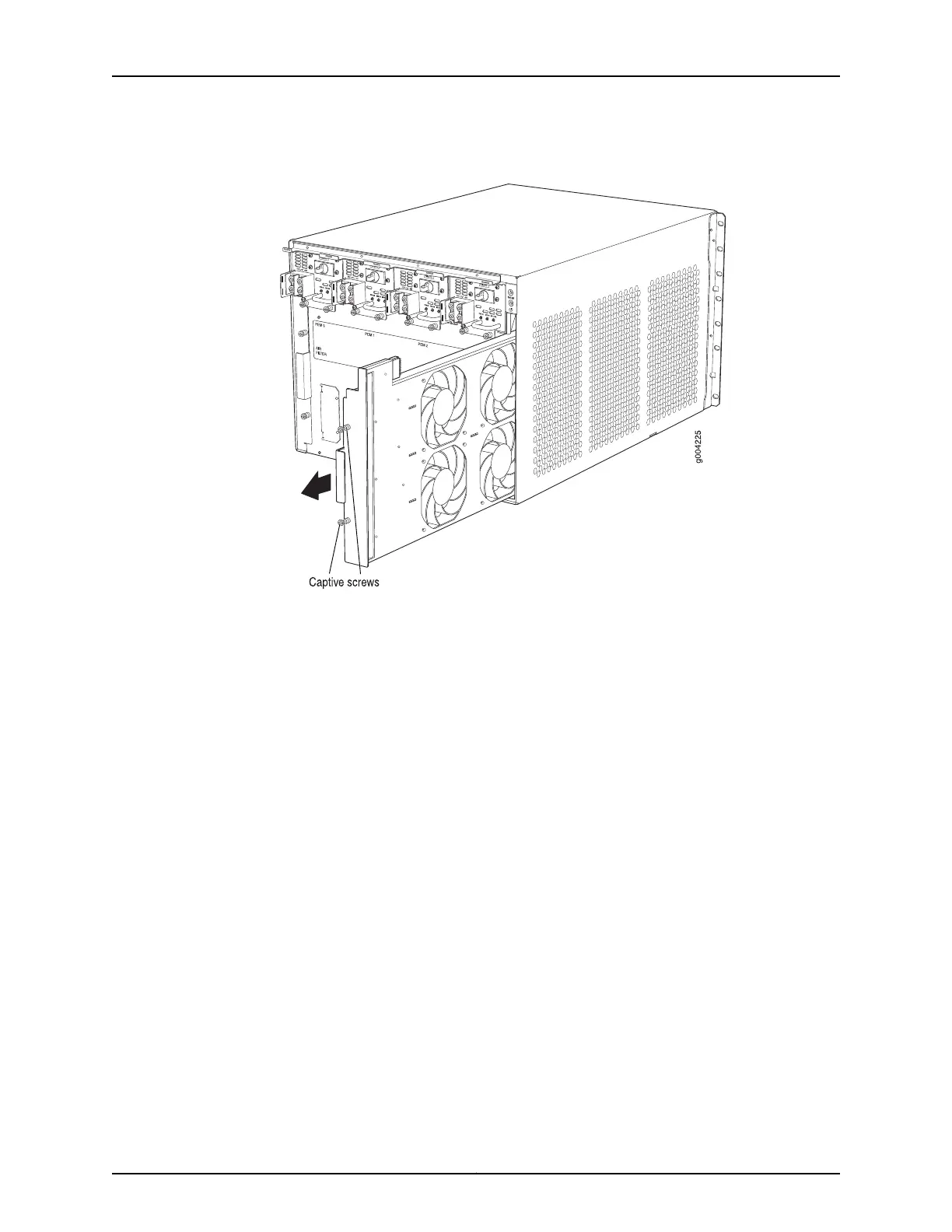
Figure 121: Removing the Fan Tray
See Also Preventing Electrostatic Discharge Damage to an MX480 Router on page 484•
• Installing the MX480 Fan Tray on page 253
• Maintaining the MX480 Fan Tray on page 416
• MX480 Cooling System Description on page 21
• Troubleshooting the MX480 Cooling System on page 442
Installing the MX480 Fan Tray
To install the fan tray (see Figure 93 on page 254):
1. Attach an ESD grounding strap to your bare wrist and connect the strap to one of the
ESD points on the chassis.
2. Grasp the fan tray handle, and insert it straight into the chassis. Note the correct
orientation by the this side up label on the top surface of the fan tray.
3. Tighten the captive screws on the fan tray faceplate to secure it in the chassis.
299Copyright © 2017, Juniper Networks, Inc.
Chapter 23: Replacing Cooling System Components



 To Next Page