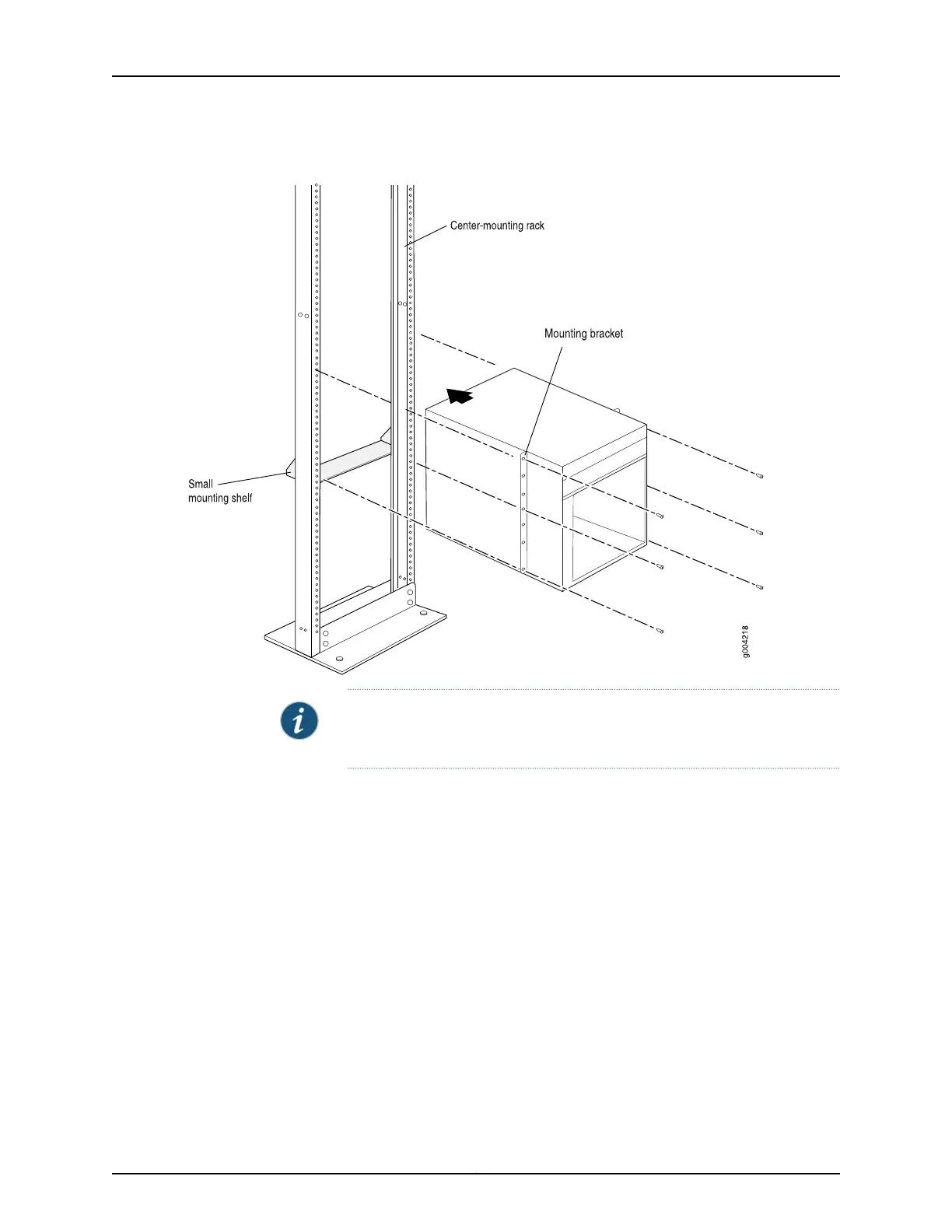
Figure 68: Installing the Router in the Rack
NOTE: This illustration depicts the router being installed in an open-frame
rack.
Related
Documentation
MX480 Site Preparation Checklist on page 121•
• Tools Required to Install the MX480 Router Without a Mechanical Lift on page 201
• Removing Components from the MX480 Router Before Installing It Without a Lift on
page 202
• Reinstalling Components in the MX480 Router After Installing It Without a Lift on
page 210
209Copyright © 2017, Juniper Networks, Inc.
Chapter 16: Installing the MX480 Router



 To Next Page