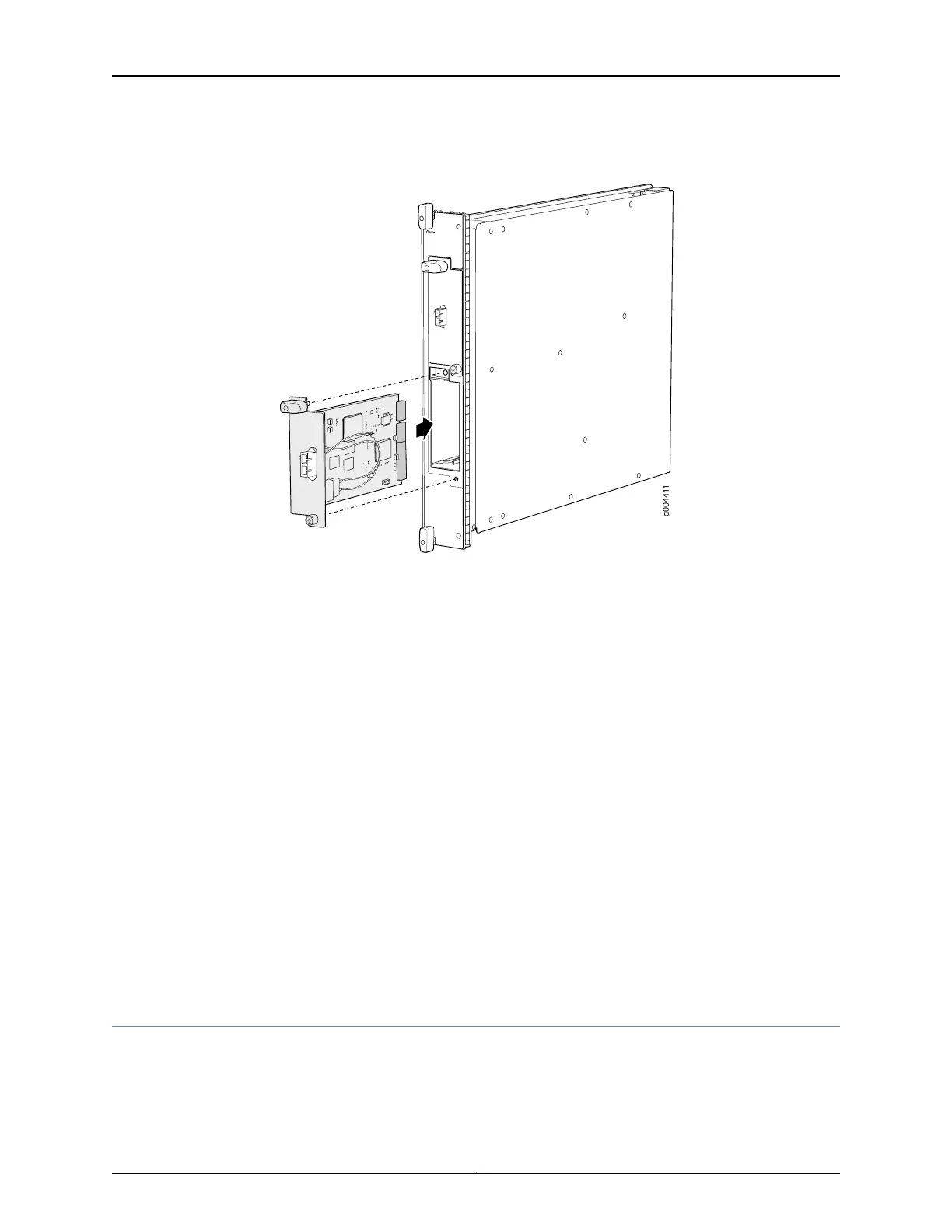
Figure 152: Installing a PIC
See Also Preventing Electrostatic Discharge Damage to an MX480 Router on page 484•
• Removing an MX480 PIC on page 351
• Troubleshooting the MX480 PICs on page 449
• Maintaining MX480 PICs on page 433
• MX480 PIC Serial Number Label on page 468
• MX480 PIC Description on page 66
• Replacing an MX480 FPC on page 332
Related
Documentation
Preventing Electrostatic Discharge Damage to an MX480 Router on page 484•
• Troubleshooting the MX480 PICs on page 449
• Maintaining MX480 PICs on page 433
• MX480 PIC Serial Number Label on page 468
• MX480 PIC Description on page 66
• Replacing an MX480 FPC on page 332
Replacing an MX480 AS MLC
1.
Removing an MX480 AS MLC on page 356
2.
Installing an MX480 AS MLC on page 358
355Copyright © 2017, Juniper Networks, Inc.
Chapter 25: Replacing Line Card Components



 To Next Page