3. Use one of the following methods to bring the AS MXC online:
•
Press the AS MXC offline/online button until the LED light turns green.
•
Issue the following CLI command:
user@host> request chassis pic fpc-slot fpc-slot pic-slot pic-slot online
For more information about the command, see the CLI Explorer.
The normal functioning status LED confirms that the AS MXC is online. You can also
verify correct AS MXC functioning by issuing the show chassis fpc pic-status command.
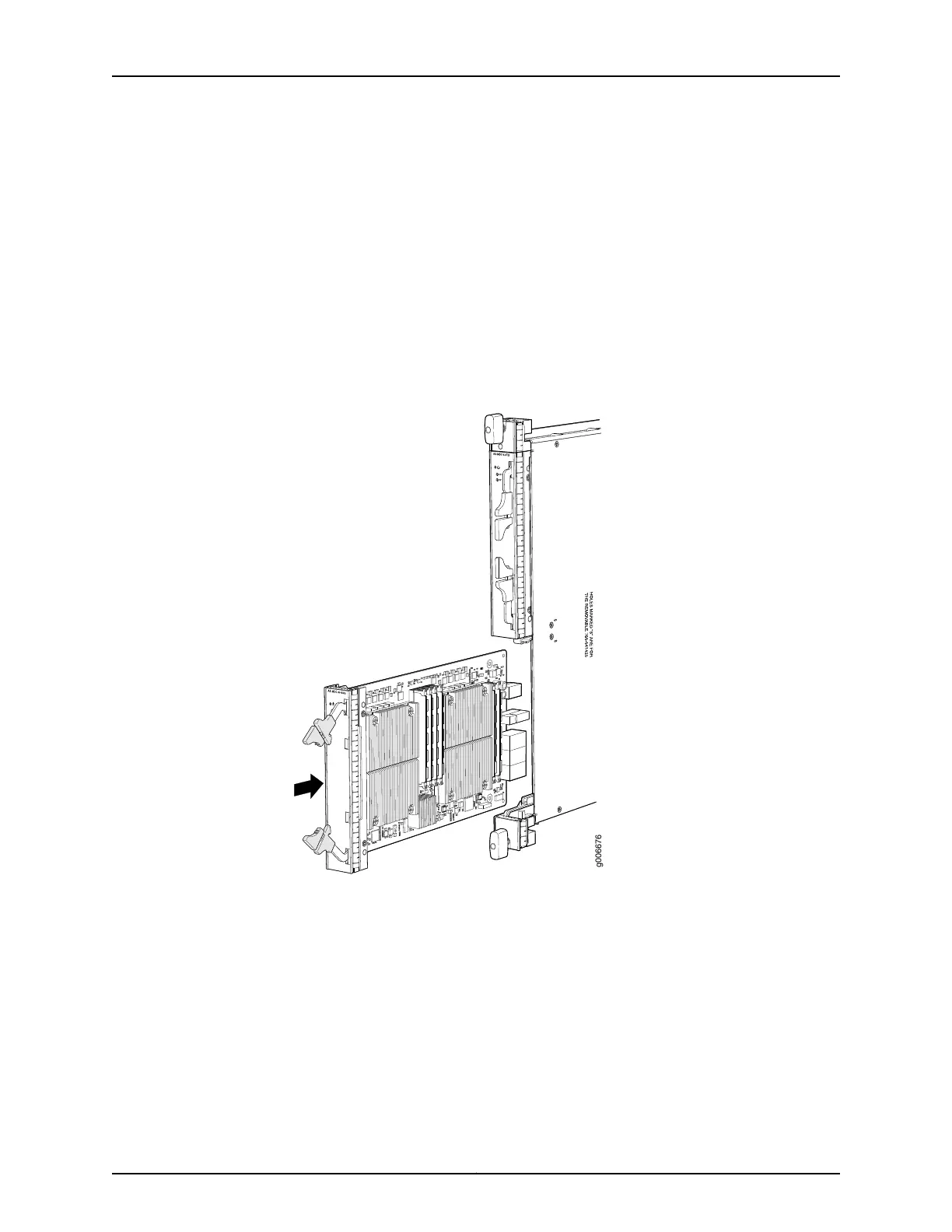
Figure 158: Installing an AS MXC
See Also Preventing Electrostatic Discharge Damage to an MX480 Router on page 484•
• MX480 Application Services Modular Processing Card Description on page 97
• Removing an MX480 AS MXC on page 363
Related
Documentation
• Preventing Electrostatic Discharge Damage to an MX480 Router on page 484
• Replacing an MX480 AS MLC on page 355
• MX480 Application Services Modular Processing Card Description on page 97
365Copyright © 2017, Juniper Networks, Inc.
Chapter 25: Replacing Line Card Components



 To Next Page