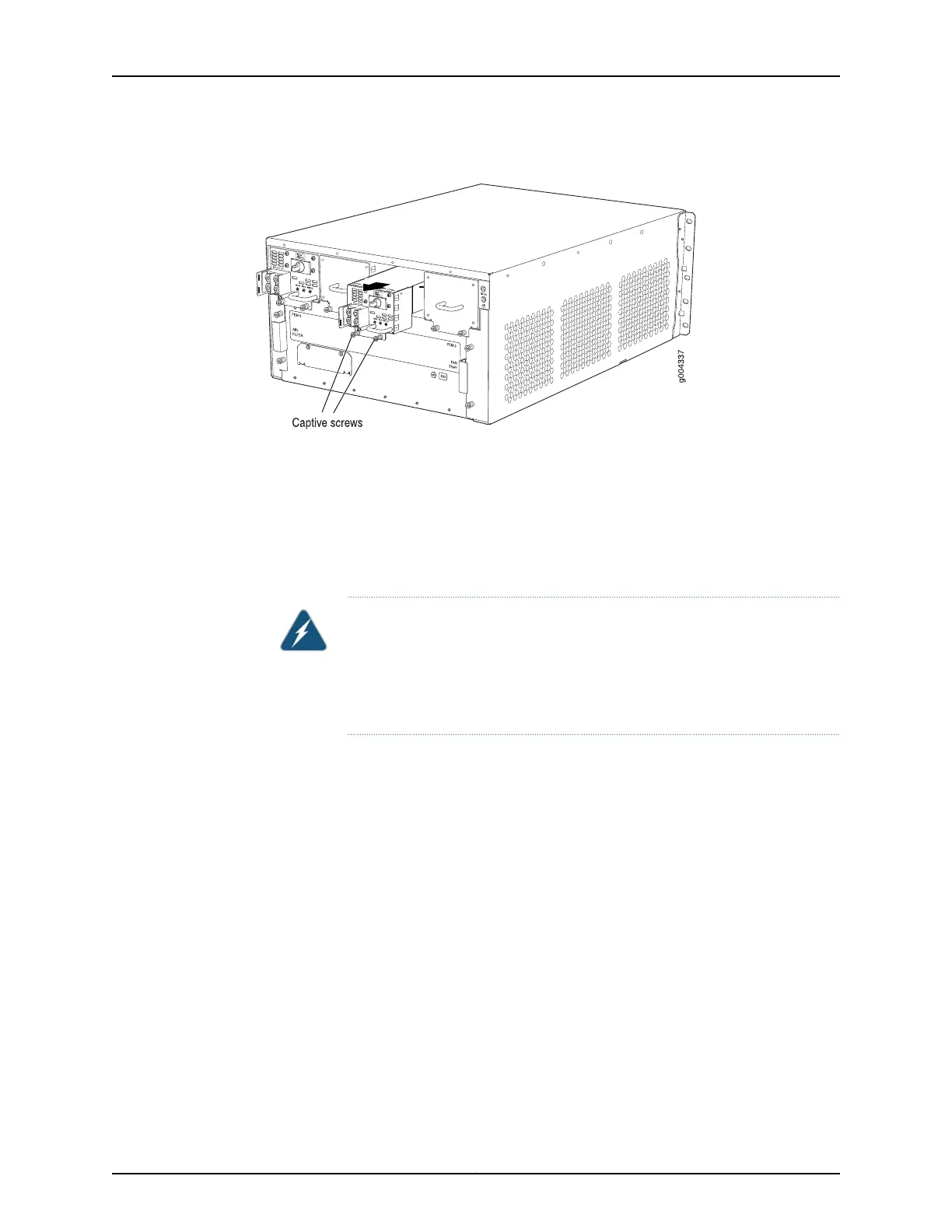
Figure 161: Removing a DC Power Supply from the Router
See Also Preventing Electrostatic Discharge Damage to an MX480 Router on page 484•
• Installing an MX480 DC Power Supply on page 280
• MX480 DC Power Supply Description on page 102
Installing an MX480 DC Power Supply
WARNING: Before performing DC power procedures, ensure that power is
removed from the DC circuit. To ensure that all power is off, locate the circuit
breaker on the panel board that services the DC circuit, switch the circuit
breaker to the off position, and tape the switch handle of the circuit breaker
in the off position.
To install a DC power supply (see Figure 108 on page 282):
1. Ensure that the voltage across the DC power source cable leads is 0 V and that there
is no chance that the cable leads might become active during installation.
2. Attach an ESD grounding strap to your bare wrist and connect the strap to one of the
ESD points on the chassis.
3. Move the DC circuit breaker on the power supply faceplate to the off (O) position.
4. Using both hands, slide the power supply straight into the chassis until the power
supply is fully seated in the chassis slot. The power supply faceplate should be flush
with any adjacent power supply faceplate or blank installed in the power supply slot.
5. Tighten the captive screws on the lower edge of the power supply faceplate.
6. Remove the clear plastic cover protecting the terminal studs on the faceplate.
Copyright © 2017, Juniper Networks, Inc.372
MX480 3D Universal Edge Router Hardware Guide



 To Next Page