•
Issue the following CLI command:
user@host>request chassis fpc slot slot-number online
For more information about the command, see the CLI Explorer.
CAUTION: Afterthe OK LED lights steadily, wait atleast 30 seconds before
removing the FPC again,removing an FPC from a different slot, or inserting
an FPC in a different slot.
You can also verify correct FPC and PIC functioning by issuing the show chassis fpc and
showchassis fpc pic-status commands describedin “Maintaining MX480 FPCs”on page425
and “Maintaining MX480 PICs” on page 433.
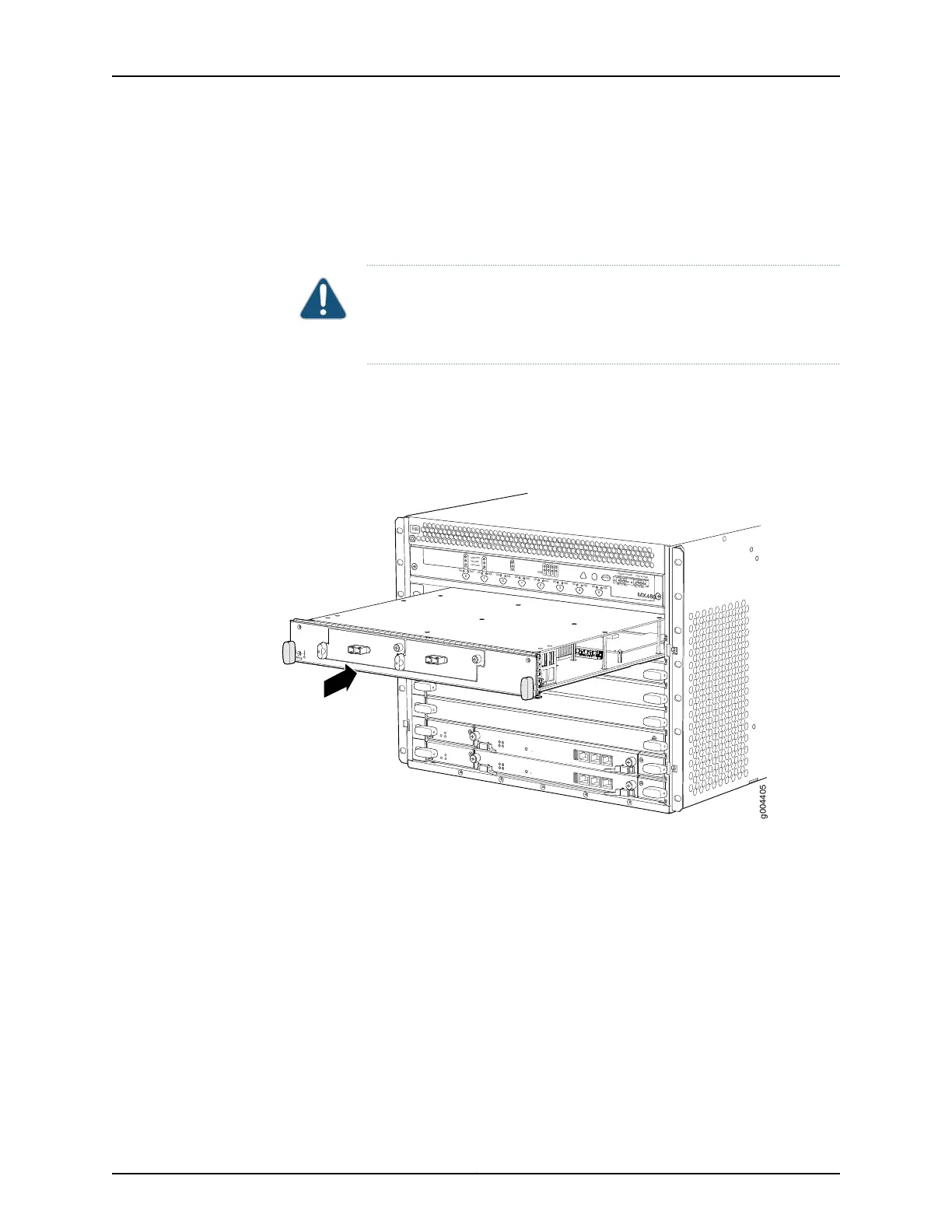
Figure 97: Installing an FPC
OK
MASTER
F
AN
ONLINE
OFFLINE
0
1
1
0
F
AI
L
F
AI
L
PEM
F
AI
L
F
AI
L
F
AI
L
F
AI
L
F
AI
L
F
AI
L
ESD
OK
OK
OK
OK
OK
OK
OK
2
3
4
5
ACO/
L
T
Y
EL
L
OW ALARM
RED ALARM
NC
NO
C
NC
NO
C
MX480
REO
RE1
0
1
2
3
g004405
Related
Documentation
Preventing Electrostatic Discharge Damage to an MX480 Router on page 484•
• Installing an MX480 PIC on page 271
• Removing an MX480 FPC on page 332
• Holding an MX480 FPC on page 427
• Storing an MX480 FPC on page 429
• Maintaining MX480 FPCs on page 425
263Copyright © 2017, Juniper Networks, Inc.
Chapter 21: Installing Components



 To Next Page