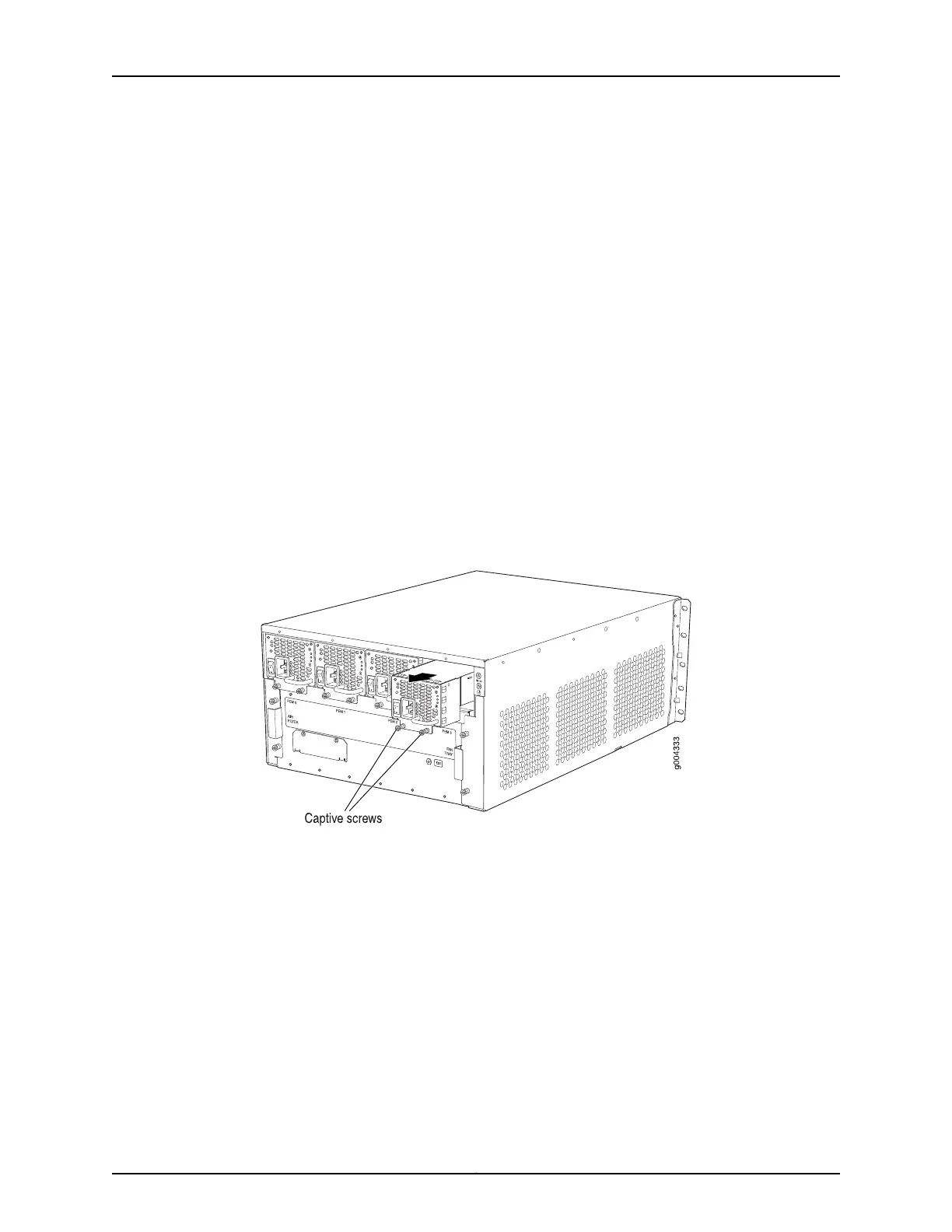
To remove an AC power supply (see Figure 159 on page 368):
1. Switch off the dedicated customer site circuit breaker for the power supply, and
remove the power cord from the AC power source. Follow the instructions for your
site.
2. Attach an ESD grounding strap to your bare wrist and connect the strap to one of the
ESD points on the chassis.
3. Move the AC input switch next to the appliance inlet on the power supply to the off
(O) position.
4. Remove the power cord from the power supply.
5. Unscrew the captive screws on the bottom edge of the power supply.
6. Pull the power supply straight out of the chassis.
Figure 159: Removing an AC Power Supply
See Also Preventing Electrostatic Discharge Damage to an MX480 Router on page 484•
• Installing an MX480 AC Power Supply on page 278
• MX480 AC Power Supply Description on page 100
Copyright © 2017, Juniper Networks, Inc.368
MX480 3D Universal Edge Router Hardware Guide



 To Next Page