MX480 Cable Management Brackets
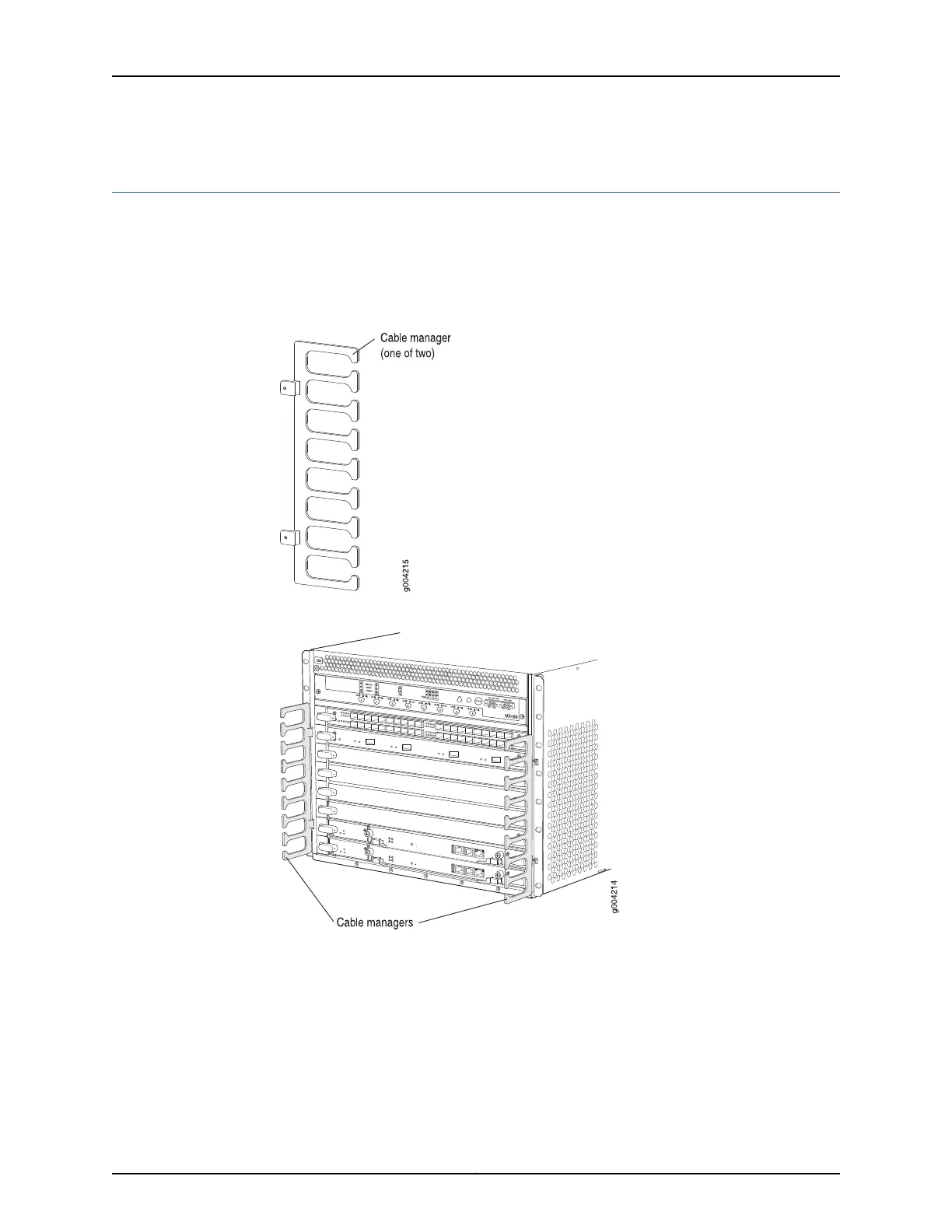
The cable management brackets (see Figure 6 on page 19 and Figure 7 on page 19)
consist of plastic dividers located on the left and right sides of each DPC, FPC, or MPC
slot, and SCB slot. The cable management brackets allow you to route the cables outside
the router and away from the DPCs, MPCs, MICs, PICs, and SCBs.
Figure 6: Cable Management Brackets
Figure 7: Cable Management Brackets Installed on the Router
Related
Documentation
• Maintaining Cables That Connect to MX480 DPCs, MPCs, MICs, or PICs on page 434
• Replacing the MX480 Cable Management Brackets on page 291
19Copyright © 2017, Juniper Networks, Inc.
Chapter 3: Chassis Components and Descriptions



 To Next Page