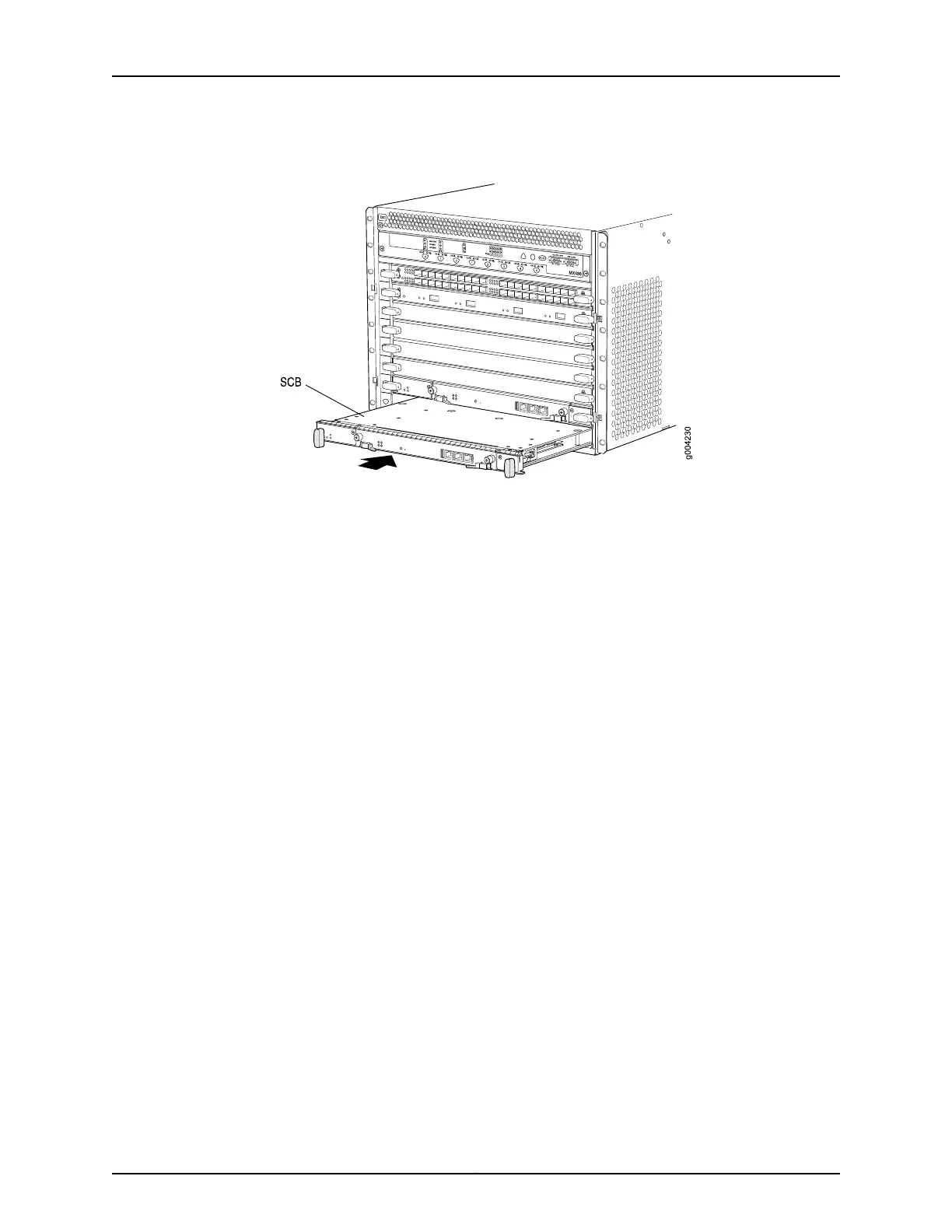
Figure 71: Reinstalling an SCB
Reinstalling the DPCs After Installing the MX480 Router Without a Lift
To reinstall a DPC (see Figure 72 on page 214):
1. Attach an ESD grounding strap to your bare wrist and connect the strap to one of the
ESD points on the chassis.
2. Place the DPC on an antistatic mat, or remove it from its electrostatic bag.
3. Identify the slot on the router where it will be installed.
4. Verify that each fiber-optic transceiver is covered by a rubber safety cap. If it does not,
cover the transceiver with a safety cap.
5. Orient the DPC so that the faceplate faces you.
6. Lift the DPC into place, and carefully align the sides of the DPC with the guides inside
the card cage.
7. Slide the DPC all the way into the card cage until you feel resistance.
8. Grasp both ejector handles, and rotate them clockwise simultaneously until the DPC
is fully seated.
213Copyright © 2017, Juniper Networks, Inc.
Chapter 16: Installing the MX480 Router



 To Next Page