. . . . .
CONVEYOR ENHANCEMENTS
Clean Photocell
2-9317-600-00-0 Aquastorm™ Series Options Guide 6-123
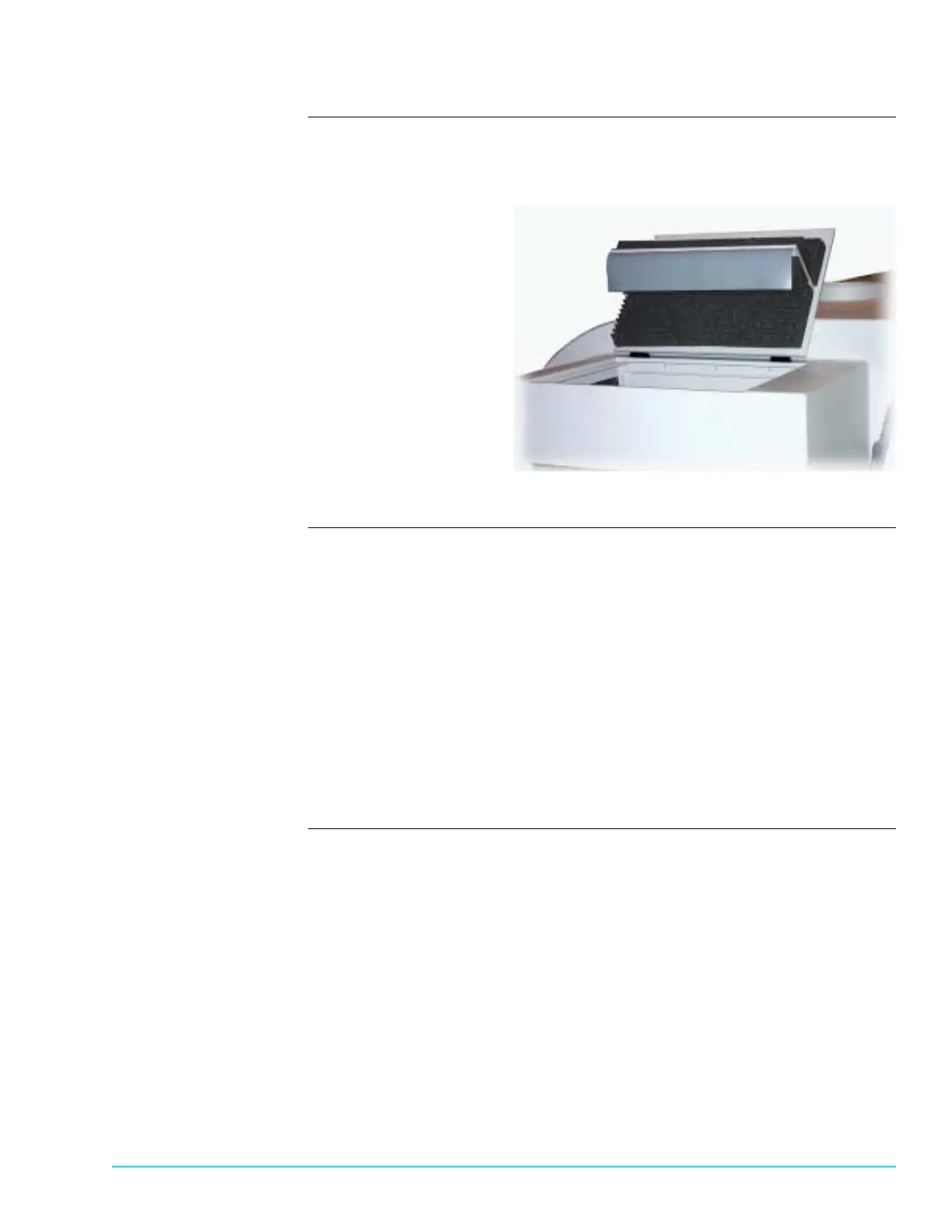
Photograph Figure 6–32 shows the exit end of an Aquastorm™ system with the noise
suppression hood raised for CheckMate™ exit conveyor and optional photocell
access.
Figure 6–32
Procedure Use the following steps to clean exit end photocell:
1. Shut down Aqauastorm™ system operation.
2. Ensure system power is Off.
3. At the exit end of systems with the photocell installed with the CheckMate™
conveyor, raise the noise suppression hood to access the photocell unit.
4. On the top of the exit end CheckMate™ conveyor, near the rear bulkhead, use
a soft white cloth moistened with ammonia based cleaner and wipe down the
reflector unit face and external surfaces.
5. On the top of the exit end CheckMate™ conveyor, near the front bulkhead,
use a soft white cloth moistened with ammonia based cleaner and wipe down
the sensor unit external surfaces.
6. Lower the noise suppression hood.



 To Next Page