DRYER MODIFICATIONS
Timer Access
15-278 Aquastorm™ Series Options Guide Rev. 1
15
Timer Access
Introduction The process engineer sets the compressed air On and Off timers to ensure the
blast of air turns On and turns Off when needed during product processing. The
following information is required to set the timers:
•Conveyor speed
•PCB size
• Length of space on the PCB to be dried with compressed air
Tools Use the following tools to access the compressed air timers.
• Phillips head screwdriver
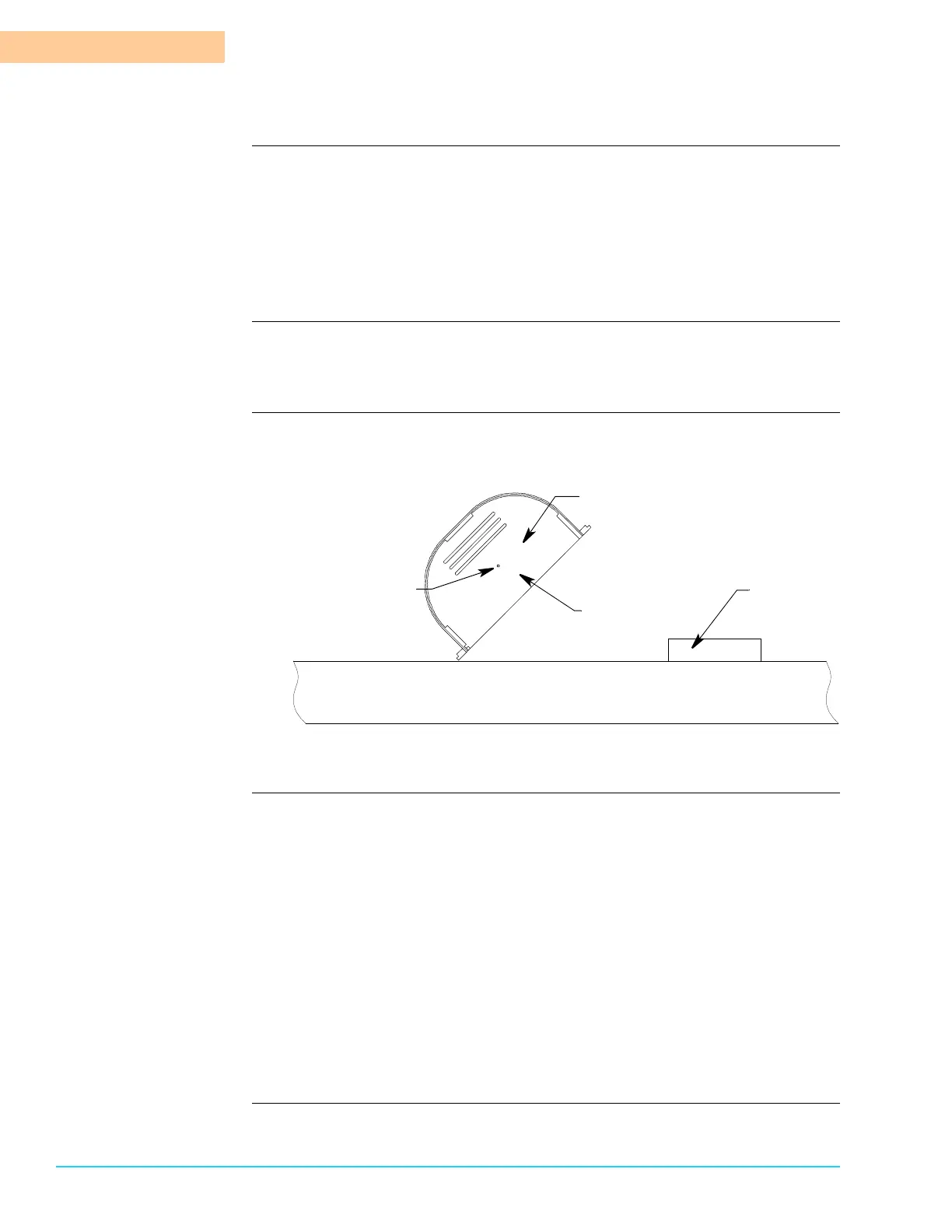
Diagrams Figure 15–5 shows the CAT control panel lifted to access the compressed air On
and Off timers.
Figure 15–5
Procedure Use the following steps to access the compressed air On and Off timers:
1. Move to the rear of the Aquastorm™ system.
2. Use a Phillips head screwdriver to remove the control panel mounting screws.
3. Set the screws aside in a safe place.
4. Lift and tip the control panel up to access the On and Off timers.
5. Set timers. See Timer Configuration on page 279.
6. Set the CAT control panel down to the system top bulkhead and slide the unit
toward the entrance end of the machine.
7. Use a Phillips head screwdriver to replace the control panel self-tapping
mounting screw.
8. Resume system operation. For detailed information refer to the Aquastorm
200™ or Aquastorm 100™ Programming and Operations Guide.
Machine
Exit End
Final Rinse Rear
Dryer Blower Section Rear
CAT Control
Panel Rear
Dryer
CAT On/Off
Timer Location
Exhaust Port
Compressed
Air to Facility
Connector



 To Next Page