. . . . .
OPTIONS AND TECHNICAL DATA
Operation Control
2-9317-600-00-0 Aquastorm™ Series Options Guide 2-23
Section D:
. . . . . . . . . . . . . . . . . . . . . . . . . . . . . . . . . . .
Password Protection
Operation Control
Introduction Password protection provides the ability to lock out certain functions through the
use of a four position keyswitch. The keyswitch is located on the base of the
Front Control Panel. KeySwitch positions are labeled 0, 1, 2, and 3. Each position
allows access to certain functions.
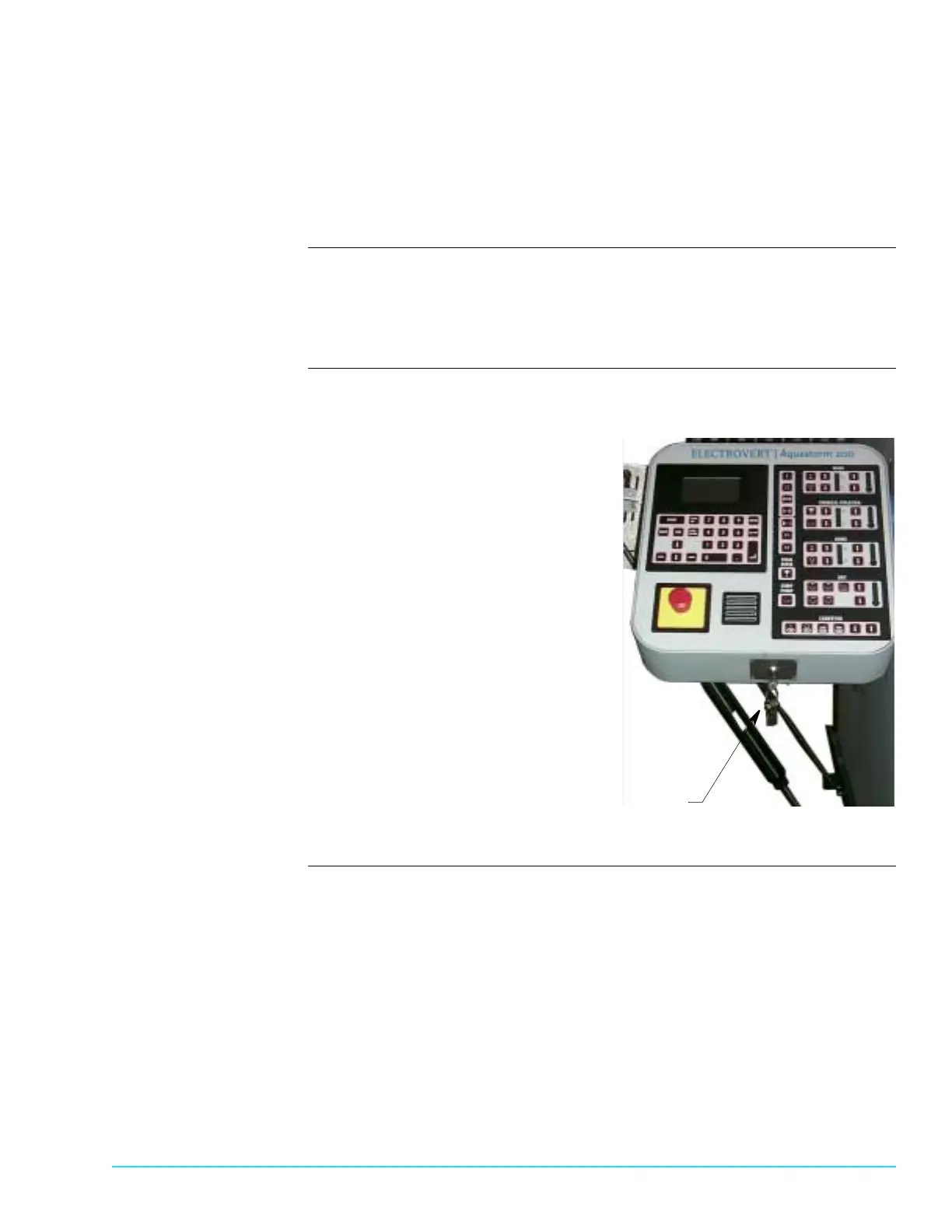
Photograph Figure 2–2 Shows the Aquastorm 200™ system control panel with the keyswitch
password protection option installed and keys inserted:
Figure 2–2
Keys In KeySwitch



 To Next Page