. . . . .
CONVEYOR ENHANCEMENTS
Hardware Configuration
2-9317-600-00-0 Aquastorm™ Series Options Guide 6-99
Hardware Configuration
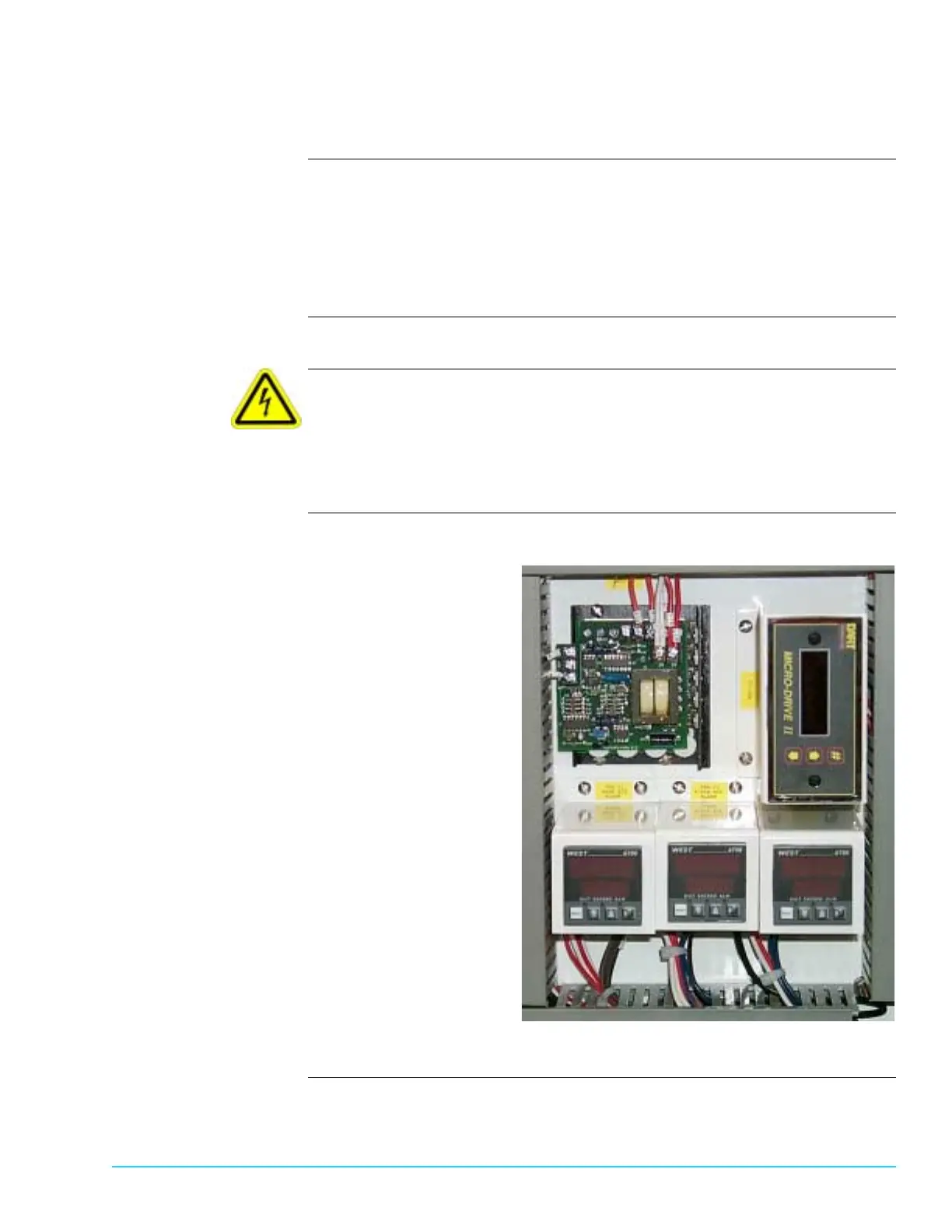
Introduction The Dart MicroDrive II located on the low voltage electrical panel provides
electrical control of the CheckMate™ conveyor speed. For optimum performance
the standard conveyor and CheckMate™ conveyor should run at the same speed.
The standard conveyor and CheckMate™ conveyor are synchronized and preset at
the factory. Since the CheckMate™ conveyor is removed for shipping, these
settings may change or require adjustment at installation.
Safety To ensure personal safety and avoid equipment damage observe the following:
Electrical Hazard
High Voltage can shock, burn, or cause death. Use extreme caution when
connecting electrical wires. These procedures must be performed only by an
authorized electrician, electrical engineer, or service technician familiar with
testing live voltage.
Photograph Figure 6–13 shows a close up view the Dart MicroDrive II controller.
Figure 6–13



 To Next Page