PH MONITOR
Prepare the pH Monitor for Initial Operation
8-156 Aquastorm™ Series Options Guide Rev. 1
8
Procedure Prepare the pH monitor for operation as follows
1. Ensure the Aquastorm™ system is connected and ready for initial start up.
2. Remove the rear panels to access the rear wash enclosure.
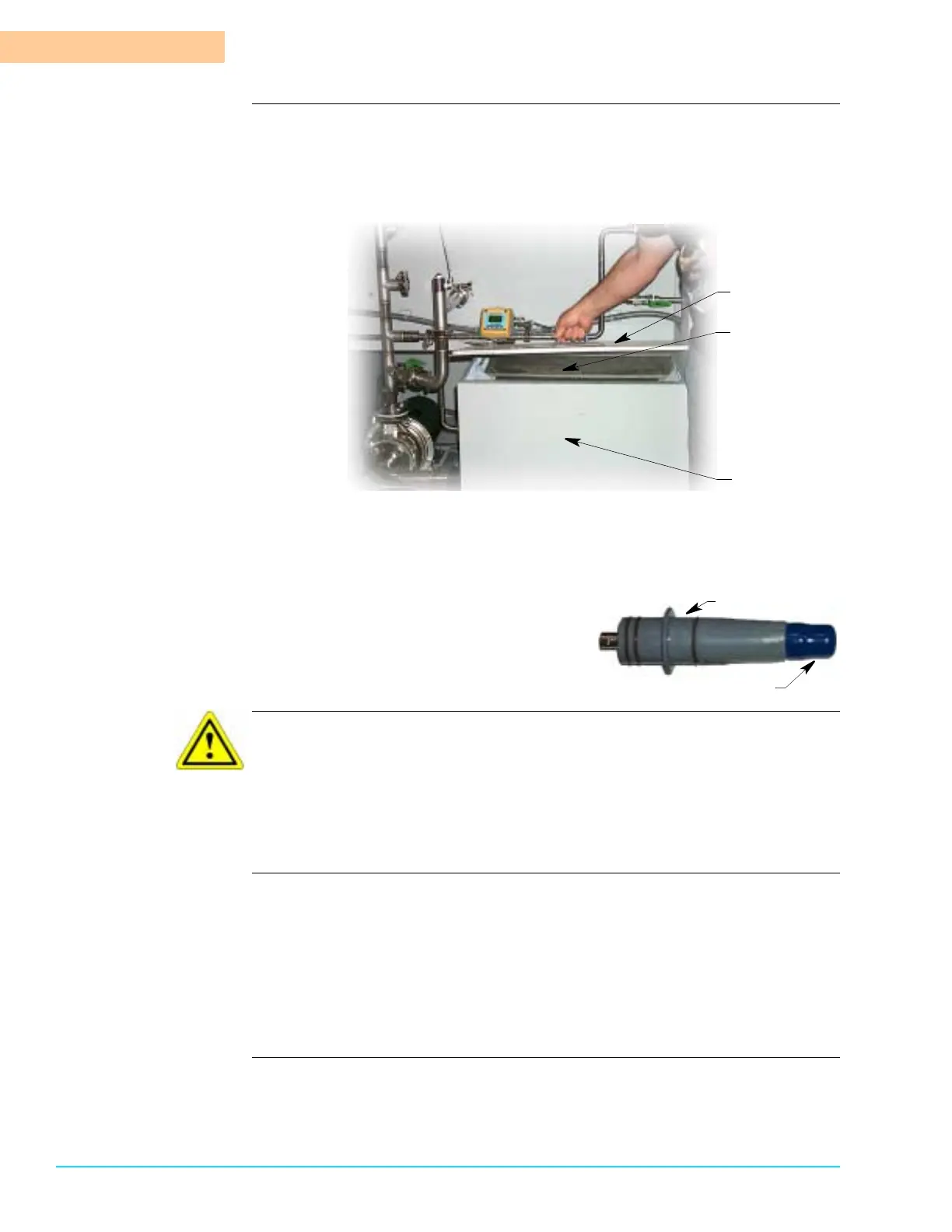
3. Remove the wash tank lid and catch screen.
4. Move to the front control panel and begin the wash tank fill cycle.
5. Return to the rear wash tank and observe the fill process. When the water
level reaches the pH monitor blue buffer solution cap, remove the cap and
store it in a safe place.
CAUTION
The pH monitor tip must remain moist at all times. The pH monitor unit ships with
the blue plastic cap in place. DO NOT removed the blue plastic cap until the lower
end of the pH monitor is immersed in water. DO NOT lose the blue tip. It must be
replaced whenever the tank water is drained or pH monitor operation could be
compromised.
6. Store the buffer solution cap in a safe place and ensure it is available for any
time the wash tank is emptied.
7. Replace the wash tank catch screen and lid.
8. Replace the rear system panels.
9. Complete the wash tank fill process and begin system operation. For detailed
information refer to the Aquastorm 200™ or Aquastorm 100™ Operation Man-
ual.
Wash Tank Lid
Wash Tank
Catch Screen
Wash Tank
pH Monitor Unit
Blue Buffer Solution Cap



 To Next Page