Data Menu
Pocket-3D Reference Guide
3-8
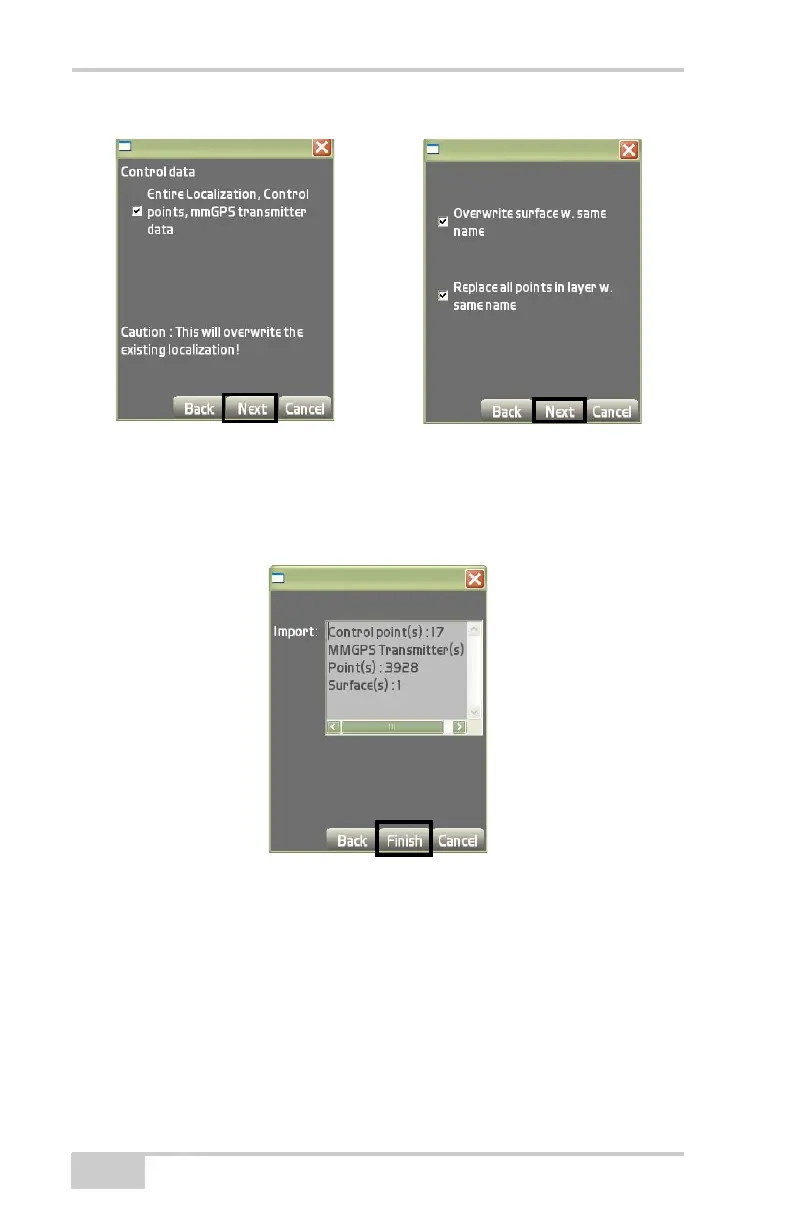
Figure 3-12. Control Data for the Design Surface
7. On the Import dialog box (Figure 3-13), press Finish to save and
display the results on the main screen or press Back to edit your
selections.
Figure 3-13. Import Control Point(s), Polylines, and Surface Files
Export TP3 Files To export surface files, linework, and control points
to a project file, tap Topcon Logo
DataProjectImport/
Export
To TP3 file (Figure 3-14 on page 3-9).



 To Next Page