Project
P/N 7010-0628
3-9
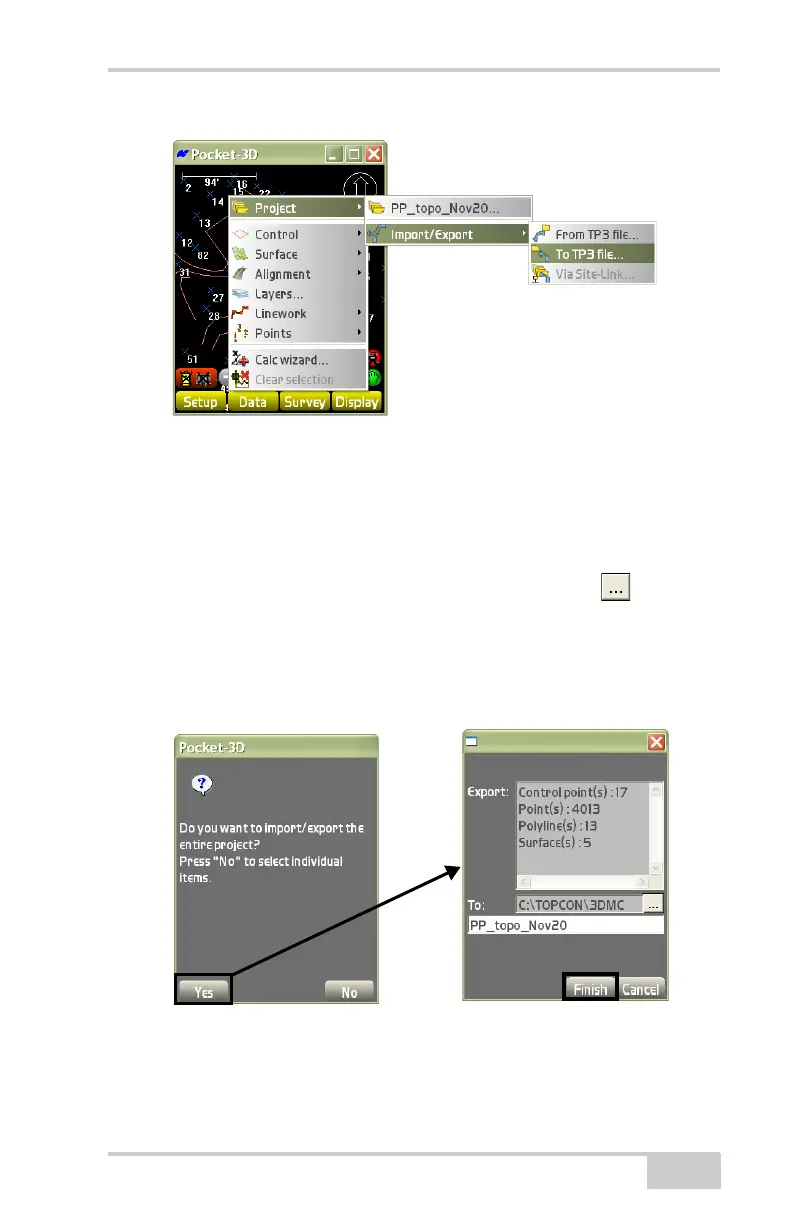
Figure 3-14. Export a Project File
1. On the verification screen (Figure 3-15), do the following to
export a .TP3 file:
• Press Yes to export the entire project file. The Export/To
dialog box displays (
Figure 3-15).
– From the To field, press the browse button ( ) to select
the destination to export the project file to.
– Enter a name for the export file.
• Press Finish to save and display the results on the main
screen.
Figure 3-15. Export Control Point(s), Polylines, and Surface Files



 To Next Page