Data Menu
Pocket-3D Reference Guide
3-10
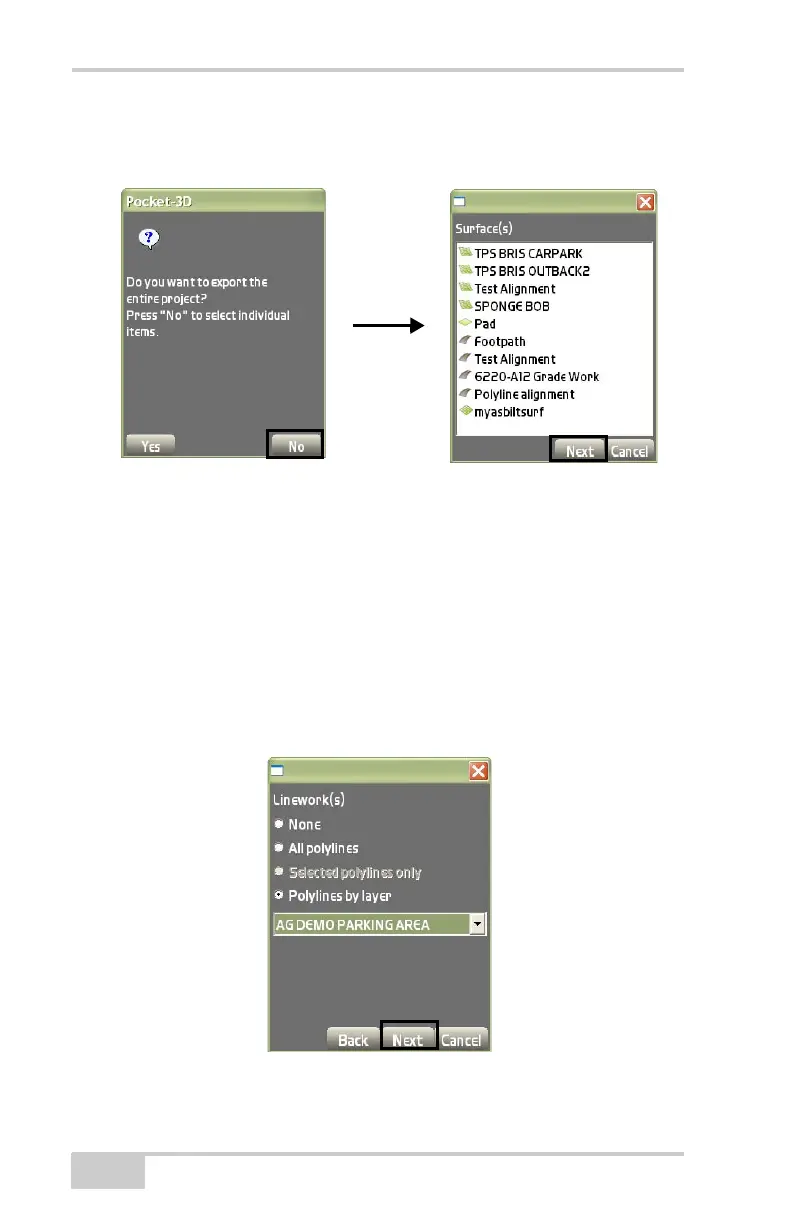
• Press No to open the Surface(s) dialog box (Figure 3-16) to
select the surface(s) to export, then press Next.
Figure 3-16. Export a Surface
2. On the Linework(s) dialog box (Figure 3-17), select one of the
following, then press Next:
• None – enable to display no polylines.
• All polylines – enable to display all polylines in the project.
• Selected polylines only – available only if polylines are
highlighted (selected) on the main screen.
• Polylines by layer – enable to select a layer to import from
the drop-down list.
Figure 3-17. Select Linework(s) to Export for the Project



 To Next Page