Project
P/N 7010-0628
3-7
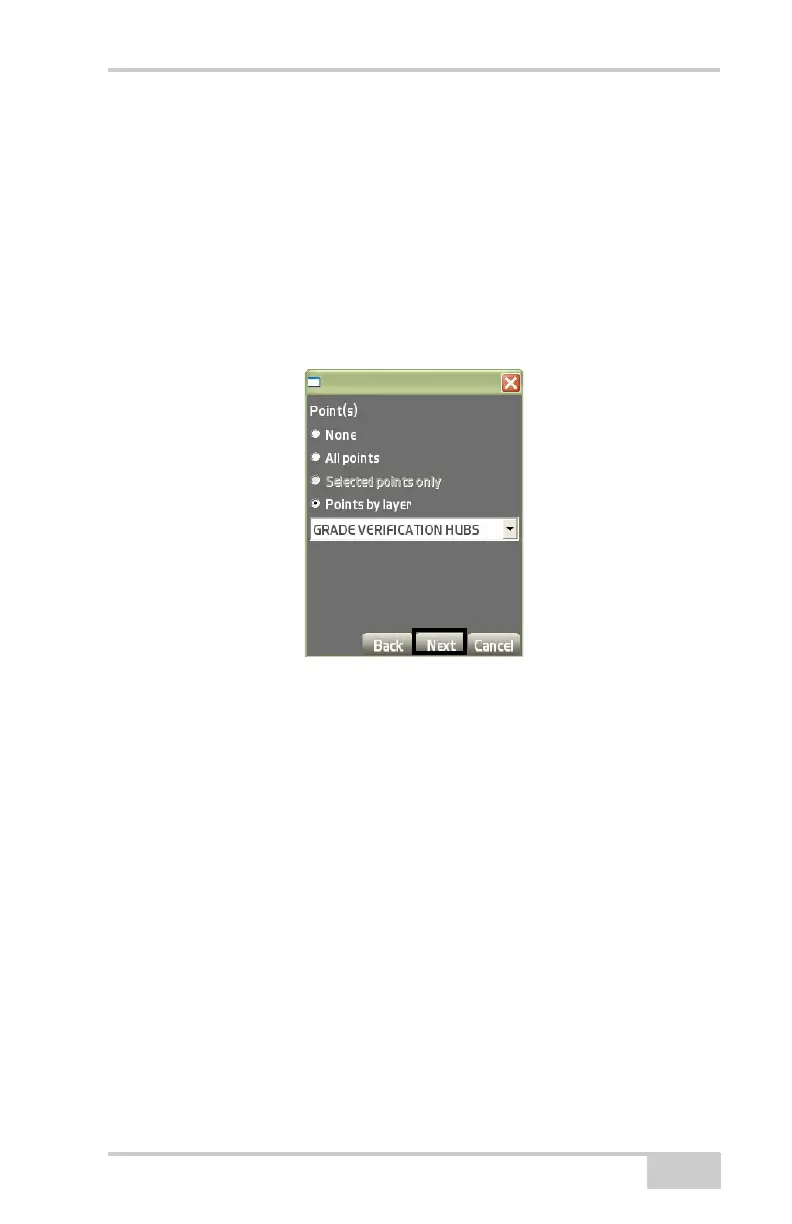
5. On the Point(s) dialog box (Figure 3-11), do the following to
import points, then press Next:
• None – enable to display no points.
• All points – enable to display all points in the project.
• Selected points only – available only if points are highlighted
(selected) on the main screen.
• Points by layer – enable to select a layer to import from the
drop-down list.
Figure 3-11. Select Points to Import for the Project
6. On the Control data dialog boxes (Figure 3-12 on page 3-8), do
the following to import control point data, then press Next:
• Entire Localization, Control points, mmGPS transmitter data
– check mark this box to import localization data, to import
control points, or to import MMGPS transmitter data, when
available.
• Overwrite surface w.same name – check mark this box to
avoid duplicate surface file names.
• Replace all points in layer w.same name – check mark this
box to avoid duplicate point names.



 To Next Page