Data Menu
Pocket-3D Reference Guide
3-14
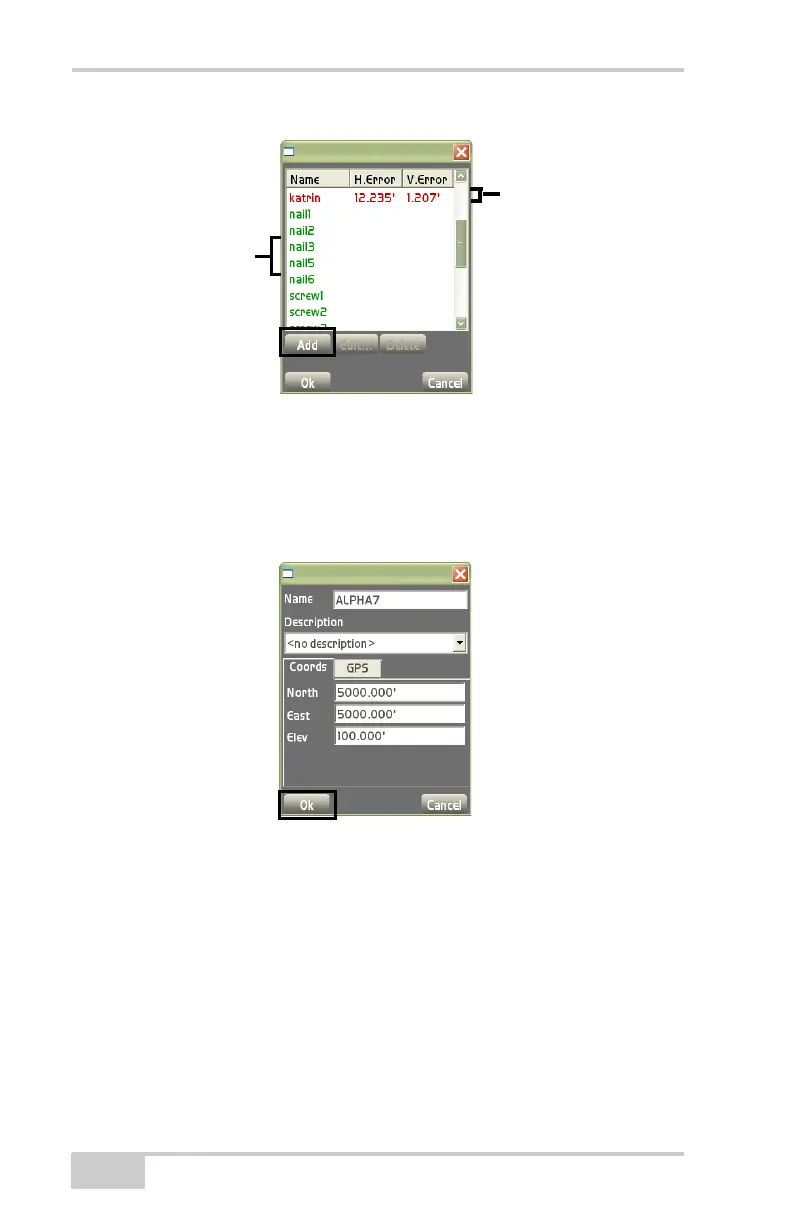
Figure 3-22. Control Points Dialog Box
Add Control Point On the control points dialog box, press Add to
enter a control point and its respective information (
Figure 3-23).
After entering the control point’s information, press Ok to save the
information.
Figure 3-23. Add Control Point
• Name – enter in the name of the control point.
• Description – enter in a description (if desired) for the control
point.
• Coords tab – displays the Northing, Easting, and Elevation for the
control point (
Figure 3-23).
– Tap in each coordinate entry box to enter the coordinates for
Northing (North), Easting (East), and Elev (Elevation).
Red = out of
tolerance
Green =
within



 To Next Page