Data Menu
Pocket-3D Reference Guide
3-30
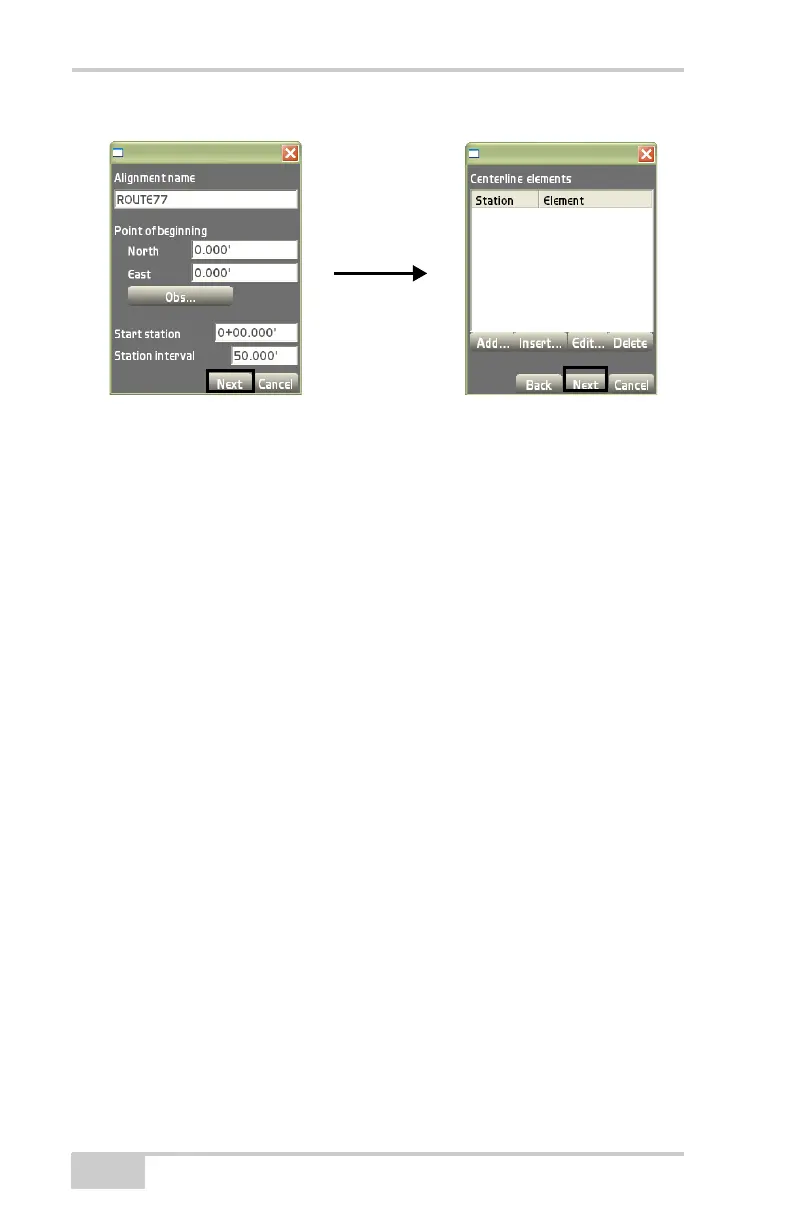
Figure 3-44. Point of Beginning Dialog Box
The centerline elements dialog box (Figure 3-44), creates, edits, or
deletes alignment elements. After creating station elements, press
Next to continue.
• Add – on the centerline elements dialog box, press Add to enter
a new centerline element (
Figure 3-45 on page 3-31).
– Element: select the type of element; either Straight, Curve
PC-PT, Spiral TS-SC, or Spiral SC-ST.
– Start station: the starting station displays at the interval set for
each element.
– Start azimuth: enter the starting azimuth. This box is only
available for the first element.
– Length: enter the length of the element.
– Obs end pt: press to measure the ending point of the straight
element only, instead of manually entering in the values.
– Radius (in): enter the inner radius of the curve or spiral
element.
– Radius (out): enter the outer radius of the spiral element.



 To Next Page