Surface
P/N 7010-0628
3-33
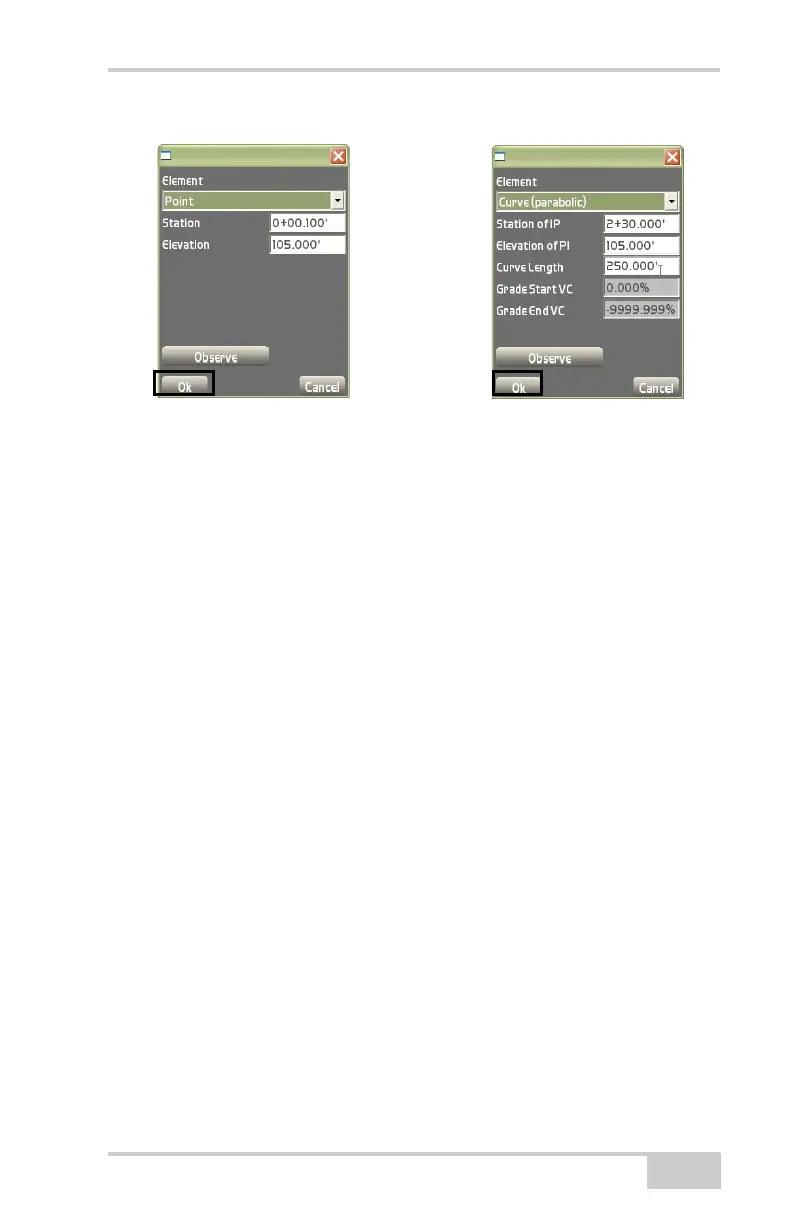
Figure 3-47. Vertical Profile Elements Dialog Box
• Insert – on the vertical profile dialog box (Figure 3-48 on
page 3-34), press Insert to add an element above the selected
element. All following elements will be shifted by the length of
the inserted element. See the “Add” bullet on
page 3-32 for
details on inserting an element.
• Edit – on the vertical profile dialog box (Figure 3-48 on page 3-
34), press Edit to edit the selected element. See the “Add” bullet
on page 3-32 for details on editing an element.
• Delete – on the vertical profile dialog box (Figure 3-48 on
page 3-34), press Delete to remove the selected element.
The Template definitions dialog box creates, edits, or deletes tem-
plates. After creating, editing, or deleting templates on the Vertical
profile dialog box, press Next to display the template definitions dia
-
log box (Figure 3-48 on page 3-34).



 To Next Page