Data Menu
Pocket-3D Reference Guide
3-36
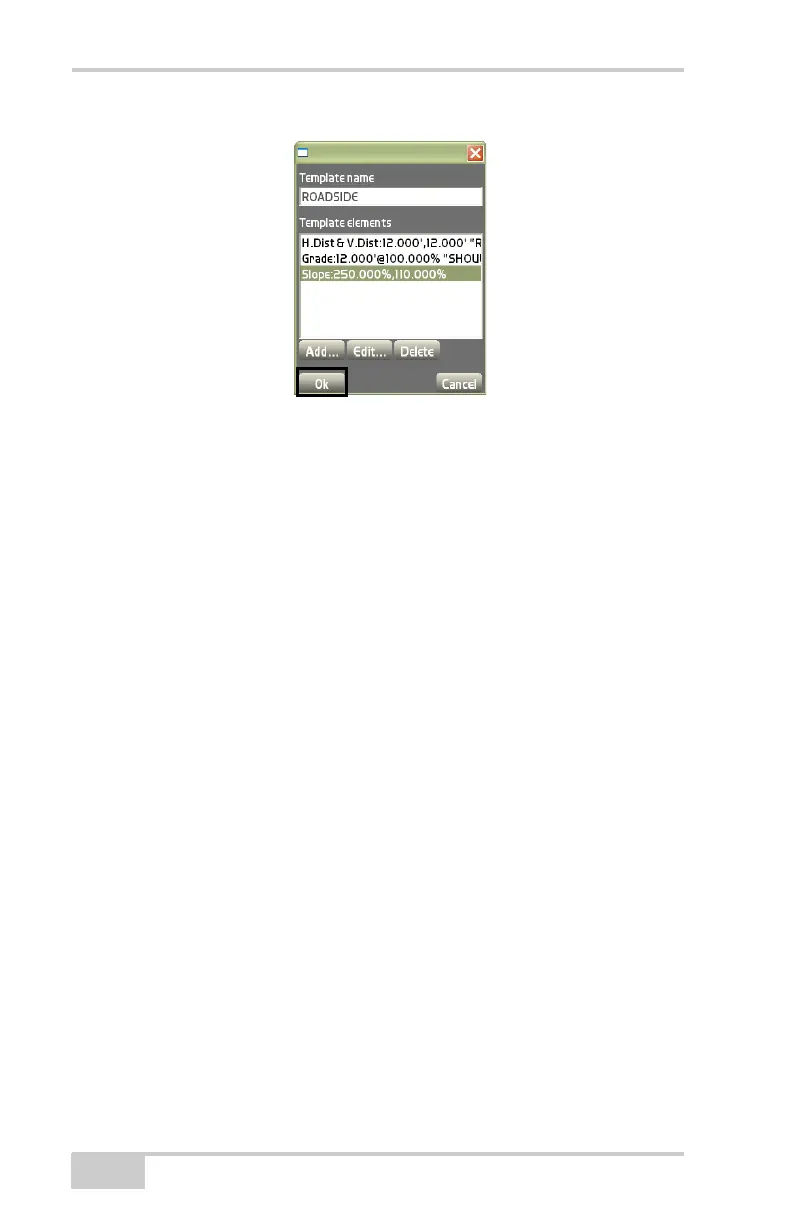
Figure 3-51. Add Templates Dialog Box
On the add template elements dialog box (Figure 3-51), templates
can be created, edited, or deleted. After creating, editing, or deleting
templates, press Ok to continue (
Figure 3-52 on page 3-37).
• Element type – select the type of element; either Offset from CL,
Grade, H.Dist & V.Dist, Named feature, Curb, or Side slope.
• Feature name – enter the feature name of the element.
• Offset from CL – enter the offset from the centerline. Note: The
first template created will always have zero for the offset.
• H.Dist – enter the horizontal distance of the element. For curbs,
this can be zero, or less than zero.
• V.Dist – enter the vertical distance of the element. For curbs, this
can be zero, or less than zero.
• Grade – enter the grade of the element.
• Curb grade – enter the curb grade of the element.
• Ditch width – enter the ditch width of the element.
• Cut slope – enter the cut slope of the element.
• Fill slope – enter the fill slope of the element.



 To Next Page