Linework
P/N 7010-0628
3-63
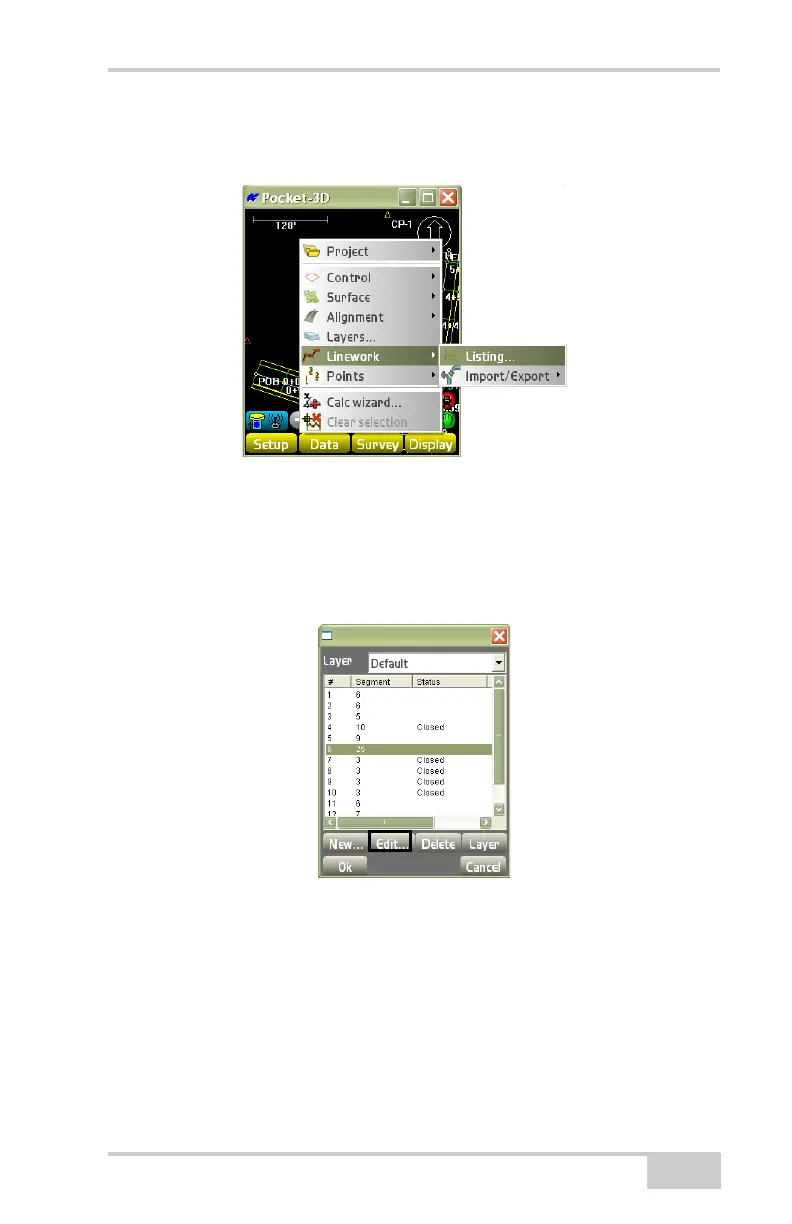
To access available Linework files or to create a new Linework file,
tap Data
LineworkListing (Figure 3-91).
Figure 3-91. DataLinework[<none> or file name]
The layer files dialog box (Figure 3-92) displays the selected layout
menu, showing the current list of layouts, the number of segments,
and the status for the selected layout. To create a new polyline, press
New.
Figure 3-92. Select a Layout File
• New – on the layer files dialog box (Figure 3-92), press to create
a new polyline. The Create new polyline dialog box displays
(
Figure 3-93 on page 3-64). Create a new polyline, then press Ok
to save the information.
– Add to layer: from the drop-down box, select a layer to create
a new polyline.
– From Point: press to select the beginning point.



 To Next Page