Data Menu
Pocket-3D Reference Guide
3-64
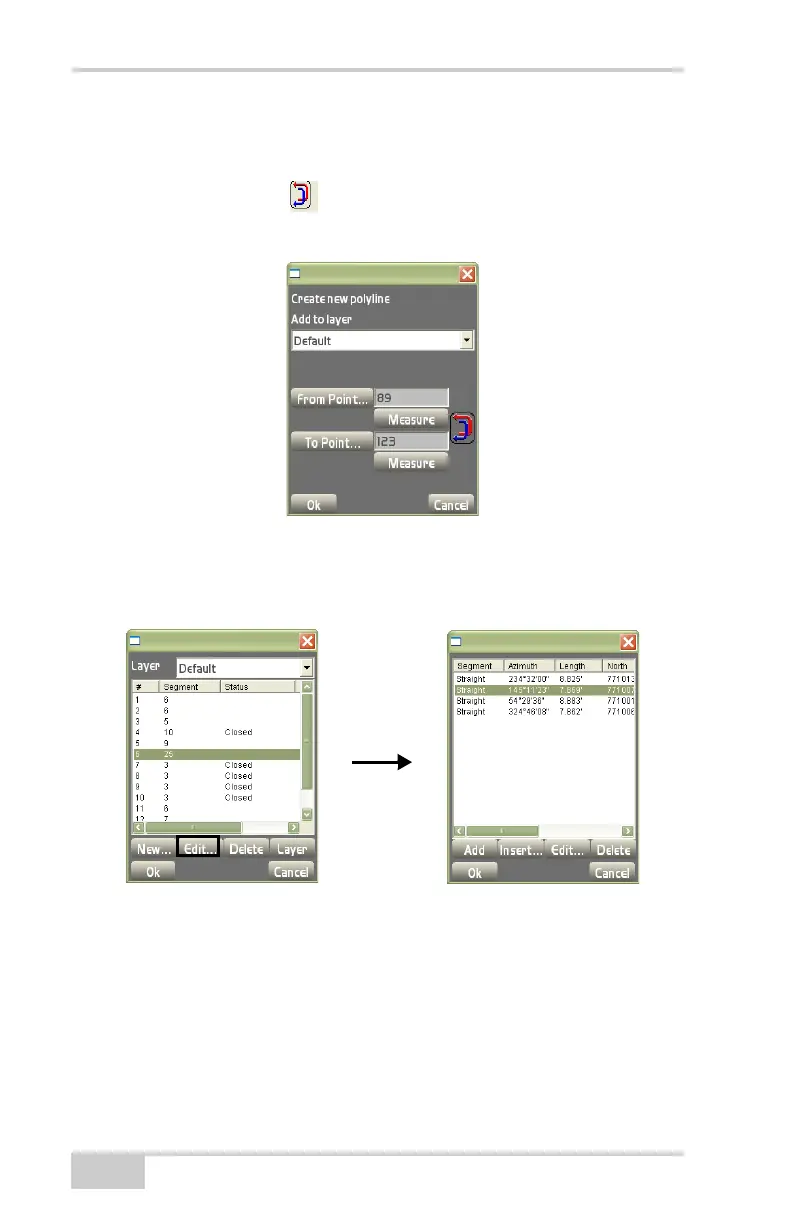
– To Point: press to select the end point.
– Measure: press to measure the beginning of end points.
– Inverse arrows : press to reverse the direction of the
beginning line.
Figure 3-93. New Polyline File
• Edit – on the layer files dialog box (Figure 3-94), highlight a
segment (straight or curved), then press Edit
Figure 3-94. Edit Layer Files



 To Next Page