Data Menu
Pocket-3D Reference Guide
3-78
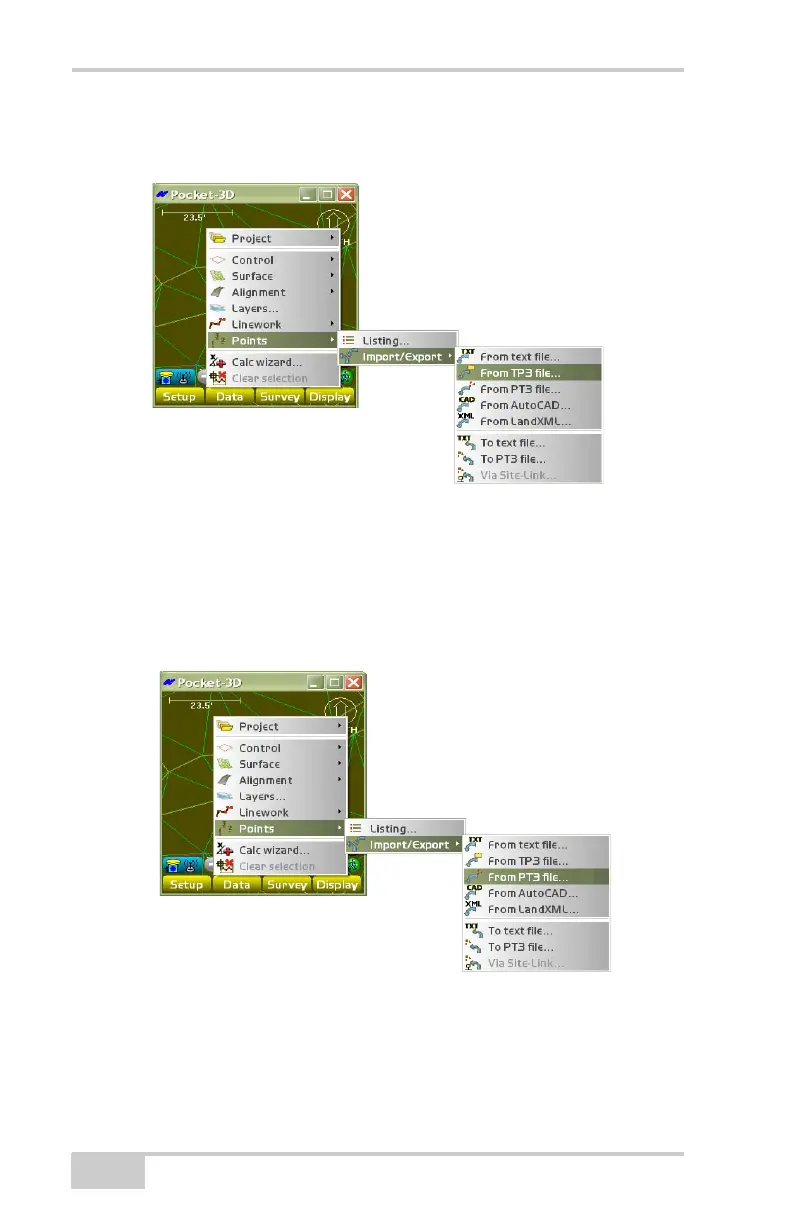
From TP3 File To import points from a Topcon Project(TP3) file, tap
Data
PointsImport/ExportFrom TP3 file (Figure 3-115).
Figure 3-115. Import a TP3 File
See “Control Point Options” on page 3-21 for details on importing
control points from a TP3 file.
From PT3 File To import points from a Topcon Point (PT3) file, tap
Data
PointsImport/ExportFrom PT3 file (Figure 3-116).
Figure 3-116. Import a PT3 File
See “Control Point Options” on page 3-21 for details on importing
control points from a PT3 file.



 To Next Page