Station Setup
P/N 7010-0628
2-41
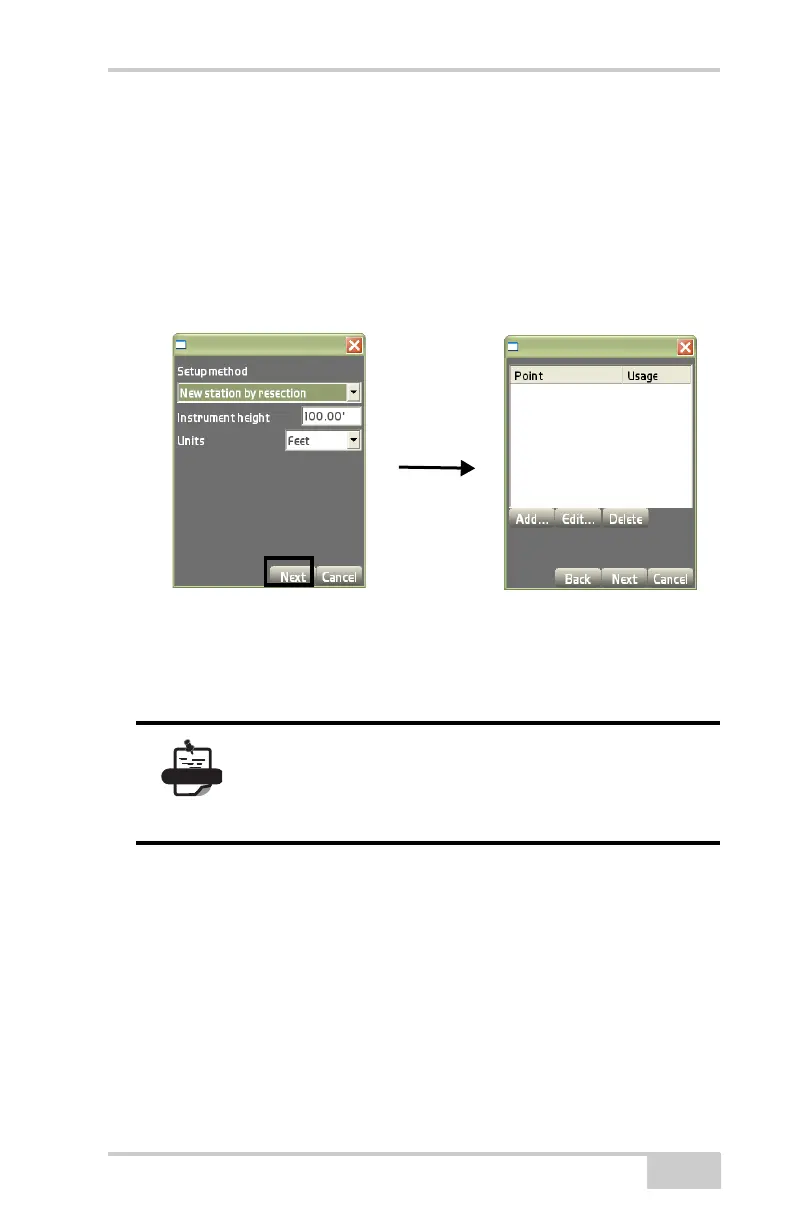
2. On the control points dialog box, do the following:
• Add – press to add point/control points to the resection. The
Backsight results dialog box (
Figure 2-57 on page 2-42)
displays.
• Edit – press to edit a highlighted point/control point, then
press Ok to return to the control points dialog box.
Figure 2-56. New Station by Resection Setup Method
• Delete – press to delete a highlighted point/control point on
the control points dialog box, then press Ok.
Press Yes to confirm or No to cancel.
On the Backsight results dialog box (Figure 2-57 on page 2-42),
select or enter the following parameters:
• Filter List – select either Control points or Point from the drop-
down list.
• Layer – select a layer file from the drop-down list, if Points was
selected from the Filter List.
• Name – select the control point to be used in the resection from
the drop-down list.
You can use any number of points, but at least 3
points should be used for an accurate resection.
Once computed, add the new, resected point to the
control point file.
Control Points dialog
Setup Method dialog box



 To Next Page