Setup Menu
Pocket-3D Reference Guide
2-40
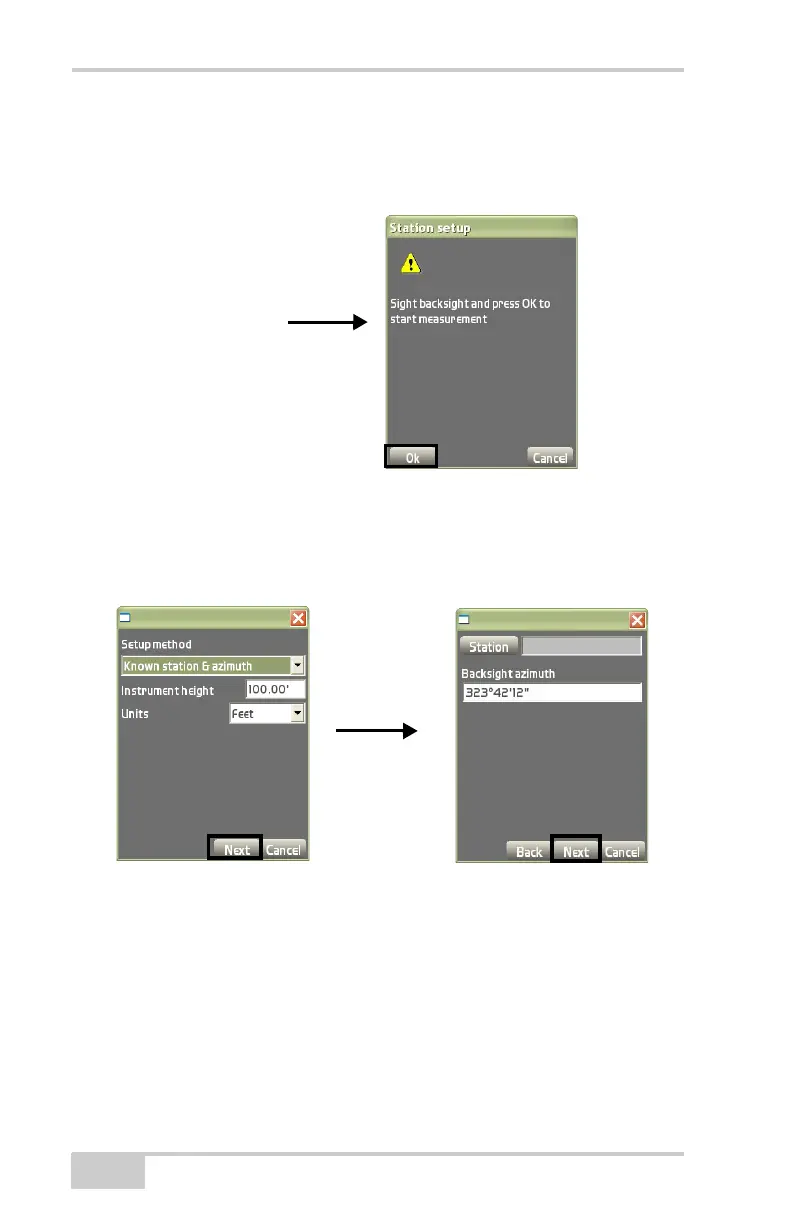
• Backsight azimuth – enter the desired azimuth for the
backsight.
3. Press Ok to continue (Figure 2-54).
Figure 2-54. Sight Backsight Dialog Box
4. Press Next to display the sight backsight dialog box
(Figure 2-54).
Figure 2-55. Known Station and Azimuth Setup Method
New station by resection add a control point to the resection and
take a measurement to each point.
1. On the Setup method dialog box (Figure 2-56 on page 2-41),
enter instrument height and unit of measurement as described
above, (
page 2-38) then press Next.
The control points dialog box displays (Figure 2-56 on
page 2-41).
Setup method dialog box Backsight Setup Dialog Box



 To Next Page