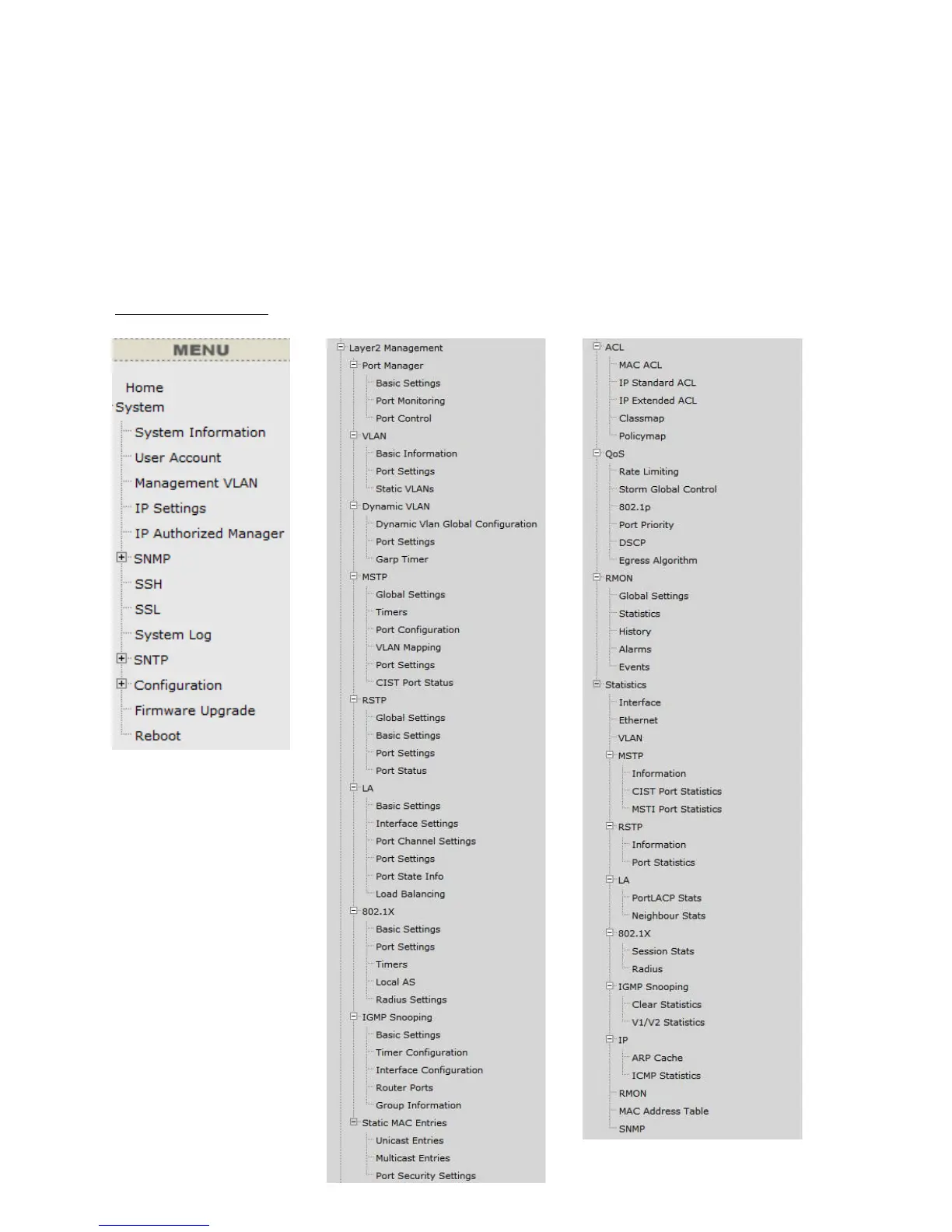
Main Configuration Screen.
The Device Status provides a real-time switch port link status.
By choosing different functions in the Function Tree, you can change all the
settings in the Main Configuration Screen. The main configuration screen will
show the current status of your Switch by clicking the model name on top of the
function tree.
To terminate the web management session, click Log Out in the upper right
comer.



 To Next Page