24-Port 10/100Mbps Layer 2 Switch w/ 4 Gigabit Ports and 2 Shared Mini-GBIC Slots
6-17
Select a port to submit the changes.
Specify the link aggregation port priority of this port. Possible values are
0-65535. Default is 128.
Specify the mode of this port channel. Possible options are Lacp, Manual and
Disable.
Specify the LACP mode of the port. Select Active to activate the LACP
negotiation; select Passive that LACP negotiation starts only when LACP
packet is received. Default is Active.
To choose the LACP timeout period when no packet receive from peer. Long
specifies a long time out value. LACP PDU will be sent every 30 seconds and
LACP timeout value is 90 seconds. Short specifies a short time out value.
LACP PDU will be sent every 1 seconds and LACP timeout value is 3 seconds
Specify the period that ports get aggregated after receiving LACP PDU.
Possible value is 0-10 seconds. Default is 2.
Specify the current LA state of this port. And the states descriptions are:
Up in Bundle - This port is an active member of a port channel.
Up Individual - This port is not a member of any port channel but its operation
state is Up.
Standby - This port is a standby member of a port channel.
Down - This port operation state is down.
Click Apply to submit the changes.
Click 1-12, 13-24, 25-28 to configure LA port settings for corresponding ports.
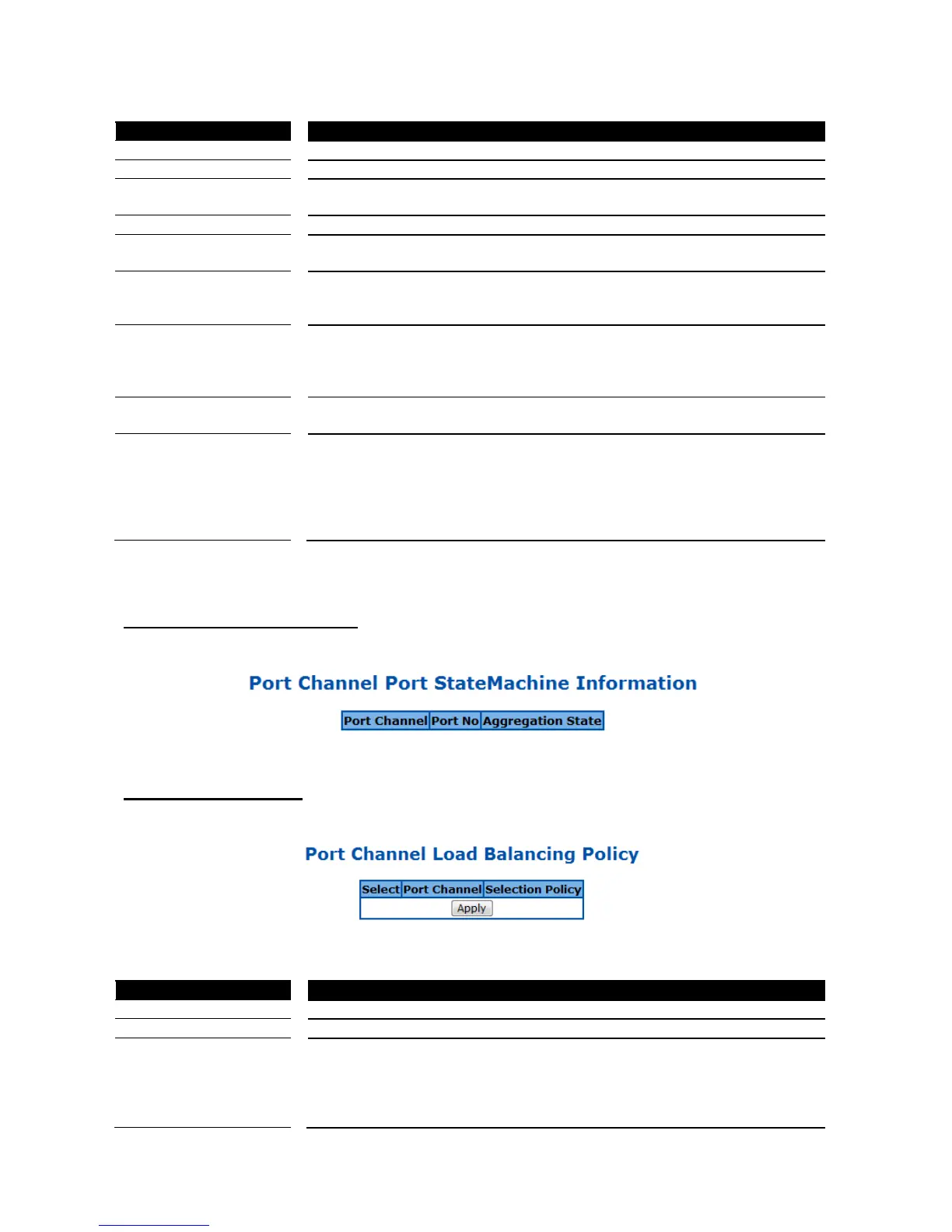
LA Port StateMachine Information
This page is to display the LA state of each port.
Figure 52 – Layer2 Management > LA > Port State Info
LA Load Balancing Policy
Figure 53 – Layer2 Management > LA > Load Balancing
Select a port channel to apply the configuration change.
Select a load balancing algorithm for the port channel. The traffic will hash
between the member ports of a port channel based on the rule selected. The
options are MAC Source, MAC Destination, MAC Source and Destination,
IP Source, IP Destination, and IP Source and Destination. Default is MAC
Source and Destination.



 To Next Page