24-Port 10/100Mbps Layer 2 Switch w/ 4 Gigabit Ports and 2 Shared Mini-GBIC Slots
6-11
function, False to disable it. Default is false.
Click Apply to submit the changes.
MSTP VLAN Mapping
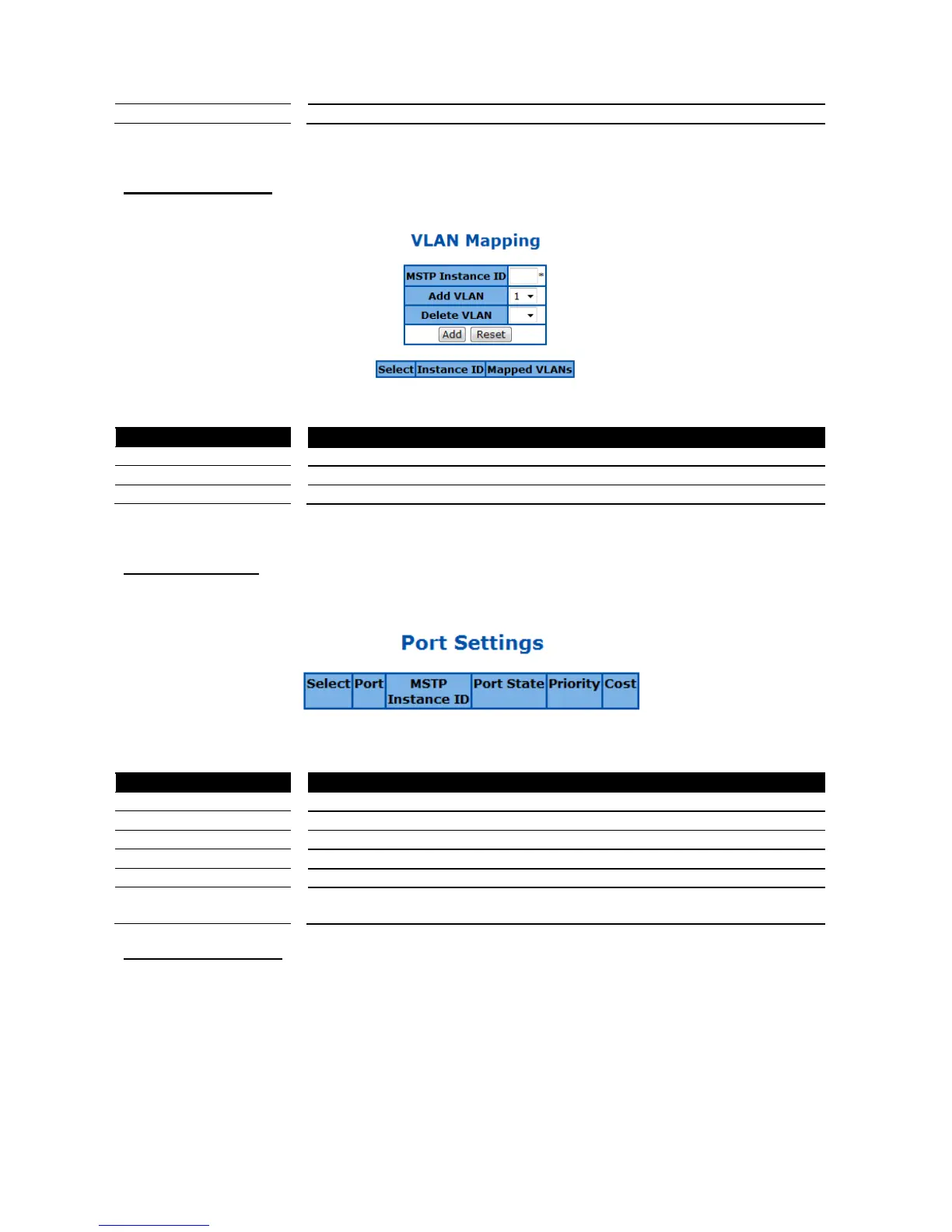
This page is to configure the MST Instance and VLAN mapping.
Figure 41 – Layer2 Management > MSTP > VLAN Mapping
Specify which MST instance to be mapped.
Add a VLAN to the map list of this MST instance.
Delete a VLAN from the map list of this MST instance.
Click Add to submit the changes, Reset to clear the value.
MSTP Port Settings
This page is to configure the port related MSTP settings.
Figure 42 – Layer2 Management > MSTP > Port Settings
Select a port to apply the changes.
Specify the MST instance IP of this port.
Specify the current state of this port.
Specify the spanning tree port priority. Possible value is 0-240. Default is 128.
Specify the path cost of the port. Possible value is 0-200000000. Default
200000000
MSTP CIST Port Status
To display the current MSTP CIST port status.



 To Next Page