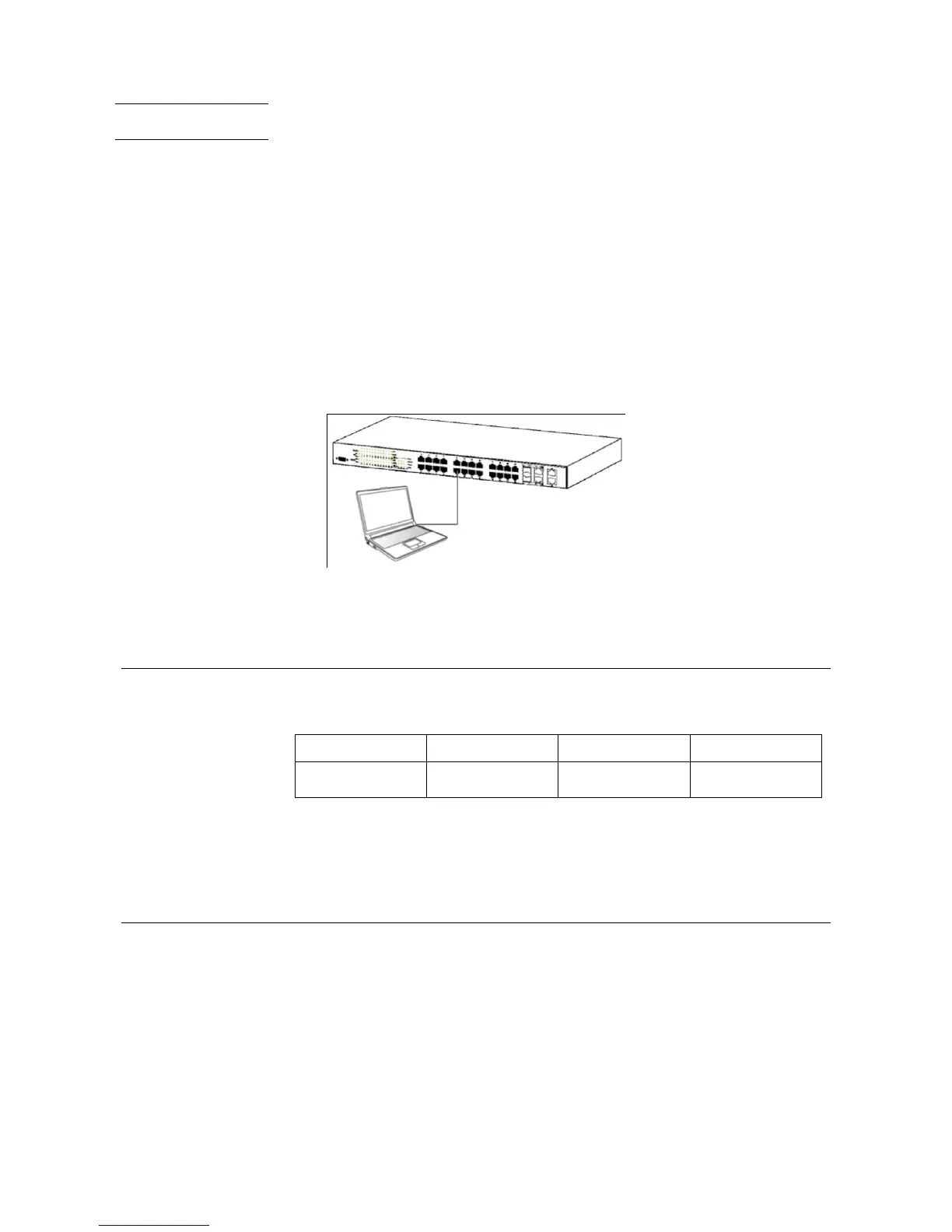
Users may also access the switch console through Telnet using your PC‟s
Command Prompt. To access it from your computer, users must first ensure that
a valid connection is made through the Ethernet port of the Switch and your PC,
and then click Start > Programs > Accessories > Command Prompt on your
computer. Once the console window opens, enter the command telnet
192.168.10.1 (depending on configured IP address) and press Enter on your
keyboard. You should be directed to the opening console screen for the
Command Line Interface of the switch, press the Enter key at the User name and
password prompts.
There are two user names and passwords by default.
User Name Password
User EXEC Mode guest guest123
Privileged EXEC Mode admin admin
You may use enable command to entering different privilege level, or use disable
command back to last privilege.
To execute commands correctly, you have to enter corresponding command
mode. Each command mode has its own system prompt. See following chart to
understand the relationship between the command modes and the commands to
enter/exit the command modes.



 To Next Page