24-Port 10/100Mbps Layer 2 Switch w/ 4 Gigabit Ports and 2 Shared Mini-GBIC Slots
11-21
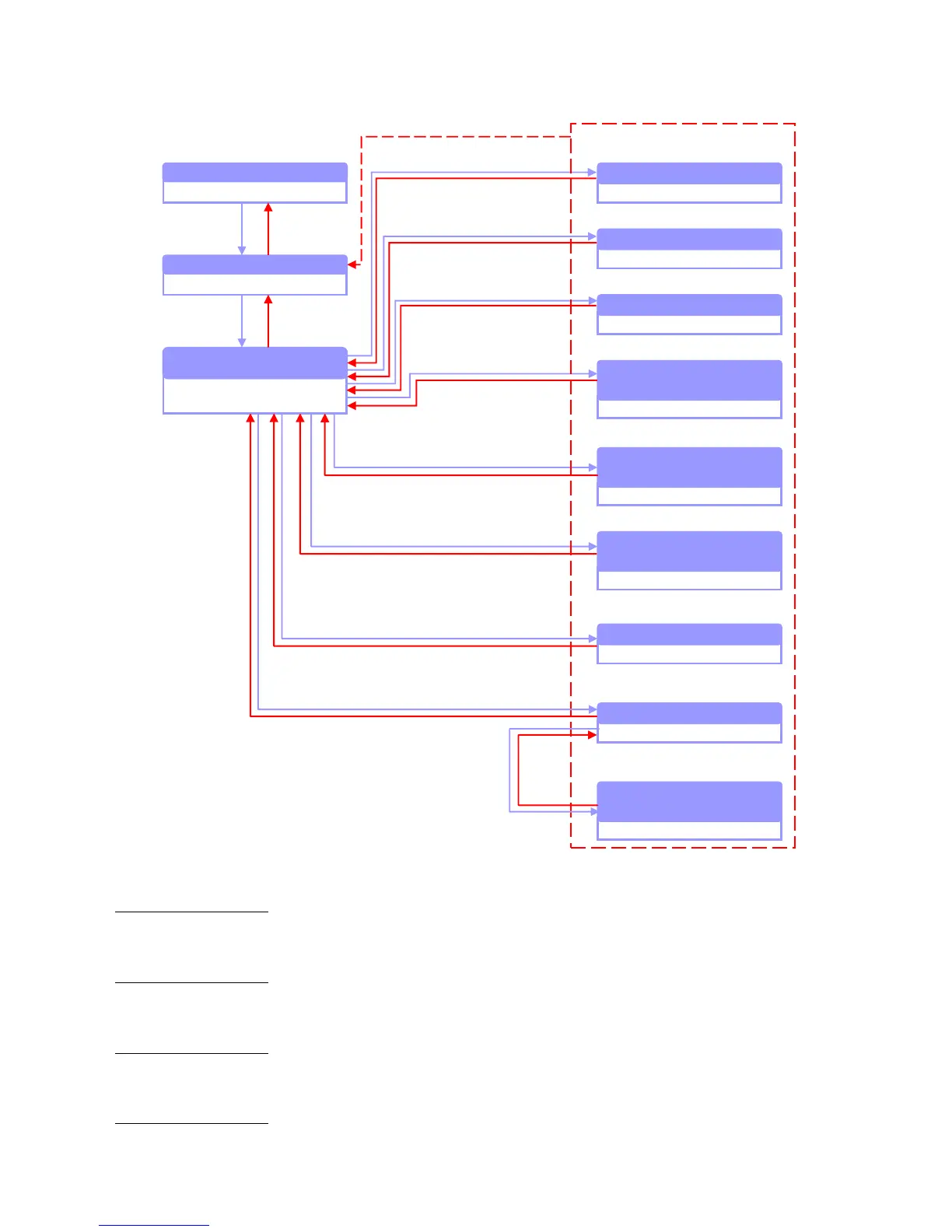
Figure 104 –Relationship of Command Modes
When login the .Switch using privilege level 1 accounts, user will entering User
EXEC Mode automatically. User EXEC mode is used to do the basic operation
such as show commands.
When login the .Switch using privilege level 15 accounts, user will entering
Privileged EXEC Mode automatically. A password is required to enable Privileged
EXEC Mode, default is password.
Global
Configuration
Mode
The Global Configuration Mode is used to configure the global commands which
will take effect to whole system and all interfaces.
The Interface Configuration Mode is used to configure the commands for physical
Global Configuration Mode
Interface Configuration Mode
MAC Access List
Configuration Mode
Standard IP Access List
Configuration Mode
Extended IP Access List
Configuration Mode
spanning-tree mst
configuration
Class-map Configuration Mode
Policy-map Configuration Mode
Policy-map Class Configuration
Mode



 To Next Page