24-Port 10/100Mbps Layer 2 Switch w/ 4 Gigabit Ports and 2 Shared Mini-GBIC Slots
10-16
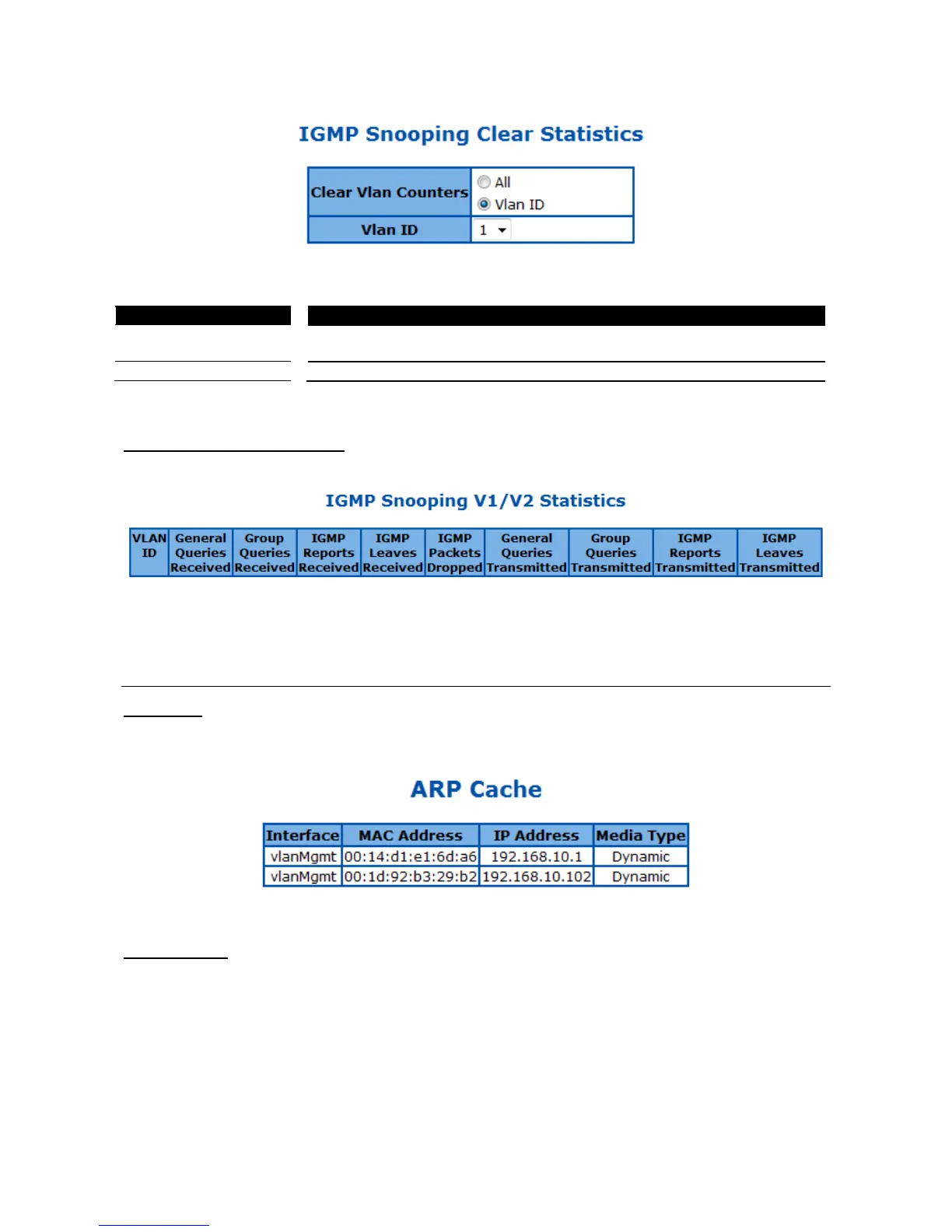
Figure 95 – Statistics > IGMP Snooping > Clear Statistics
All – Reset all IGMP Snooping traffic counters.
VLAN ID – Reset the IGMP Snooping traffic counter of a VLAN.
Click Apply to clear the counters.
IGMP Snooping V1/V2 Statistics
This page is to display the IGMP traffic statistics snooped by the Switch.
Figure 96 – Statistics > IGMP Snooping > V1/V2 Statistics
IP
ARP Cache
This page is to display the ARP information of direct connected hosts learned by the Switch.
Figure 97 – Statistics > IP > ARP Cache
ICMP Statistics
This page is to display the ICMP traffic statistics of the Switch.



 To Next Page