Label
Manual m600 basic 2.6_01 131
7
Example -
creating a
straight-
forward label
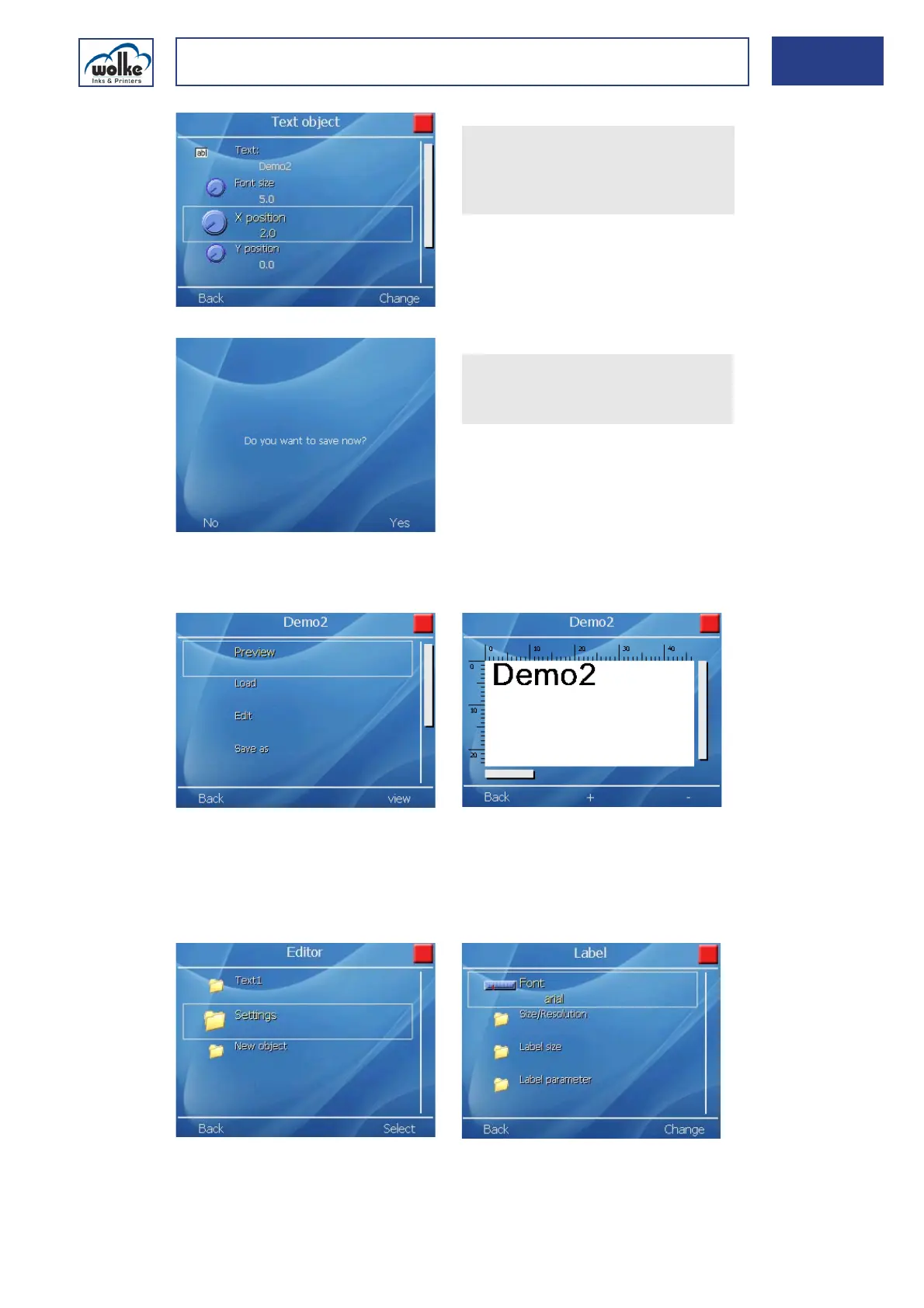
The label can be displayed in the „Preview“ and is now available under
the sample labels.
The menu buttons + and - can be pressed to scale the view up or down
accordingly in the preview.
Now, the settings for the label as such (… > Demo2 > Editor > Settings >
Label) must be made.
The font "Arial" is used.
In the same way, enter 5 mm
for the "Font size" and 2 mm
for the "X position".
Subsequently, select "Back".
Exit these menus. You are re-
quested to save.
Confirm with "Yes".



 To Next Page