Label
132 Manual m600 basic 2.6_01
7
Example -
creating a
straight-
forward label
On exiting the menu, you are again prompted to save.
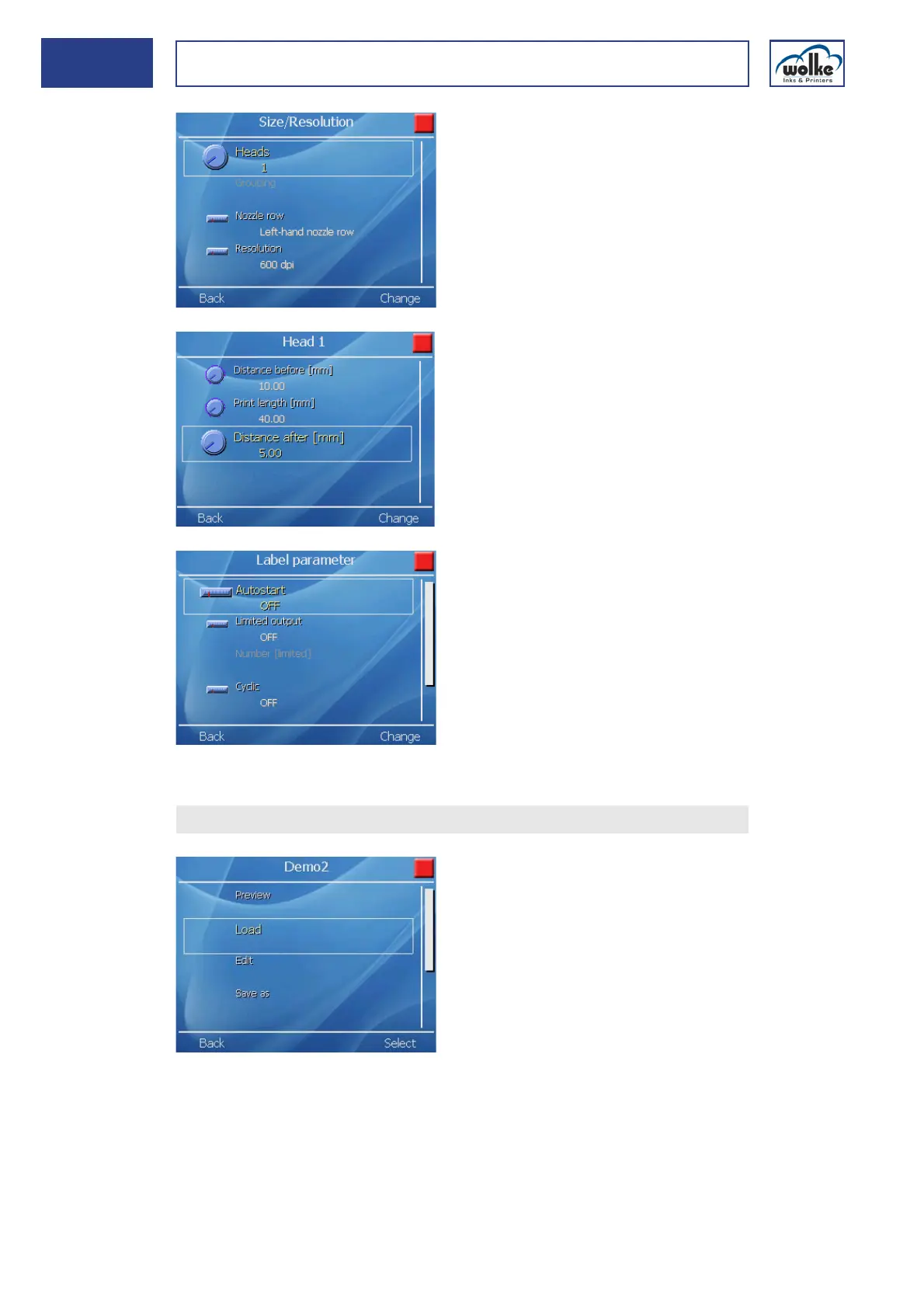
The next step concerns the set-
tings "Size" and "Resolution":
•Number of heads: 1
• Both nozzle rows
• Resolution of 600 dpi
The settings "Label sizes > Head1"
(Head2 is not required):
• Distance before: 10 mm
•Print length: 40 mm
• Distance after: 5 mm
The settings "Label parameters":
•Autostart: OFF
• Limited output: OFF
• No cyclic print
Confirm also with "Yes".
Now, the label can be loaded.
Pressing the "Start" button trig-
gers printing of the label.



 To Next Page