Data exchange
154 Manual m600 basic 2.6_01
13
Data exchange
via host
computer
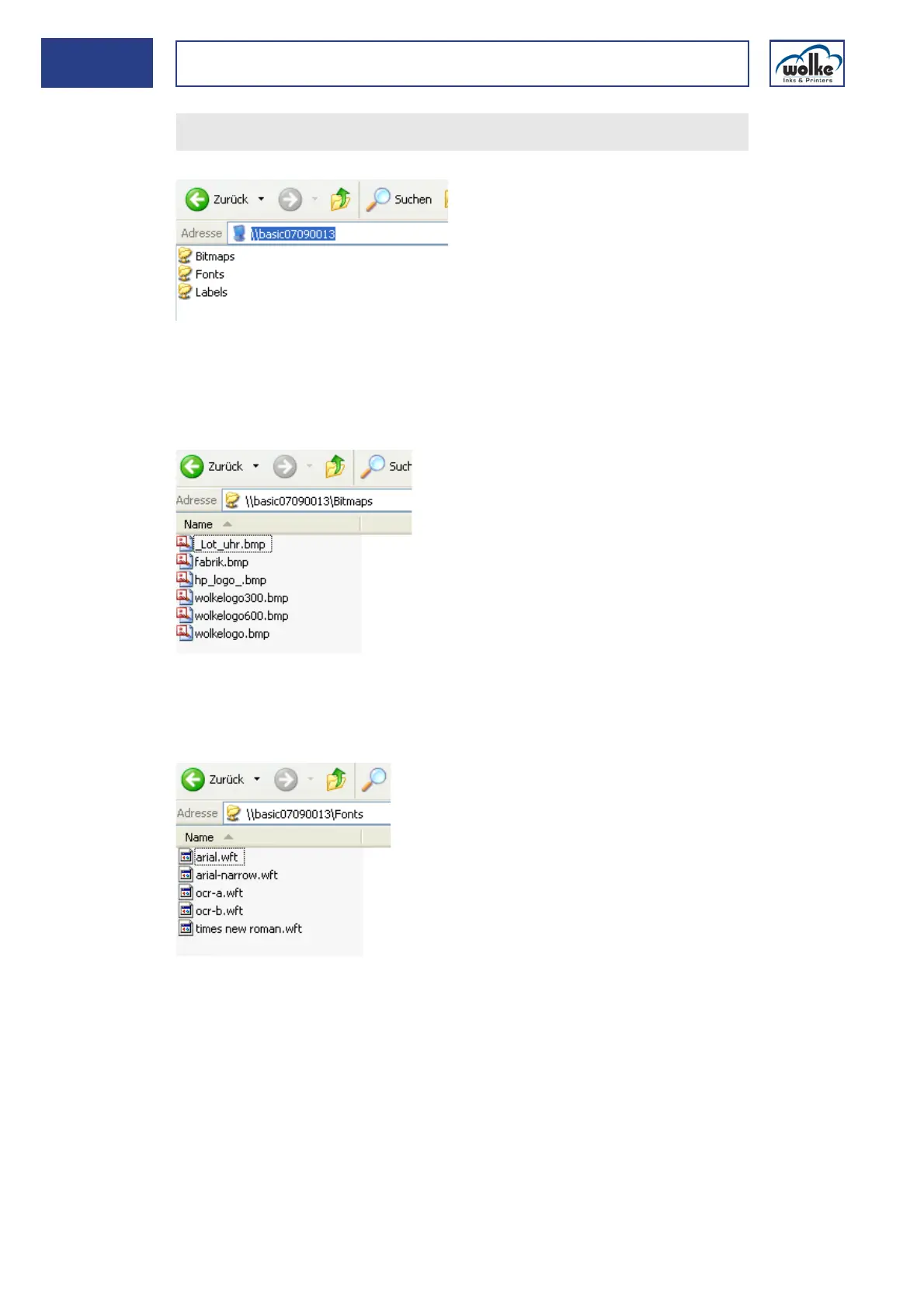
Description of the folders - bitmaps
The bitmaps are saved in the bitmap folder. These files must have the
same format than for the m600 Classic/Advanced, i. e., black-and-white
Windows bitmaps.
Description of the folders - fonts
The fonts which are at present on the m600 basic appear in the "Fonts"
folder. The fonts are saved in the m600 basic's own format ".wft".
Confirm your entry by pressing "ENTER". Three folders appear.



 To Next Page