Data exchange
Manual m600 basic 2.6_01 155
13
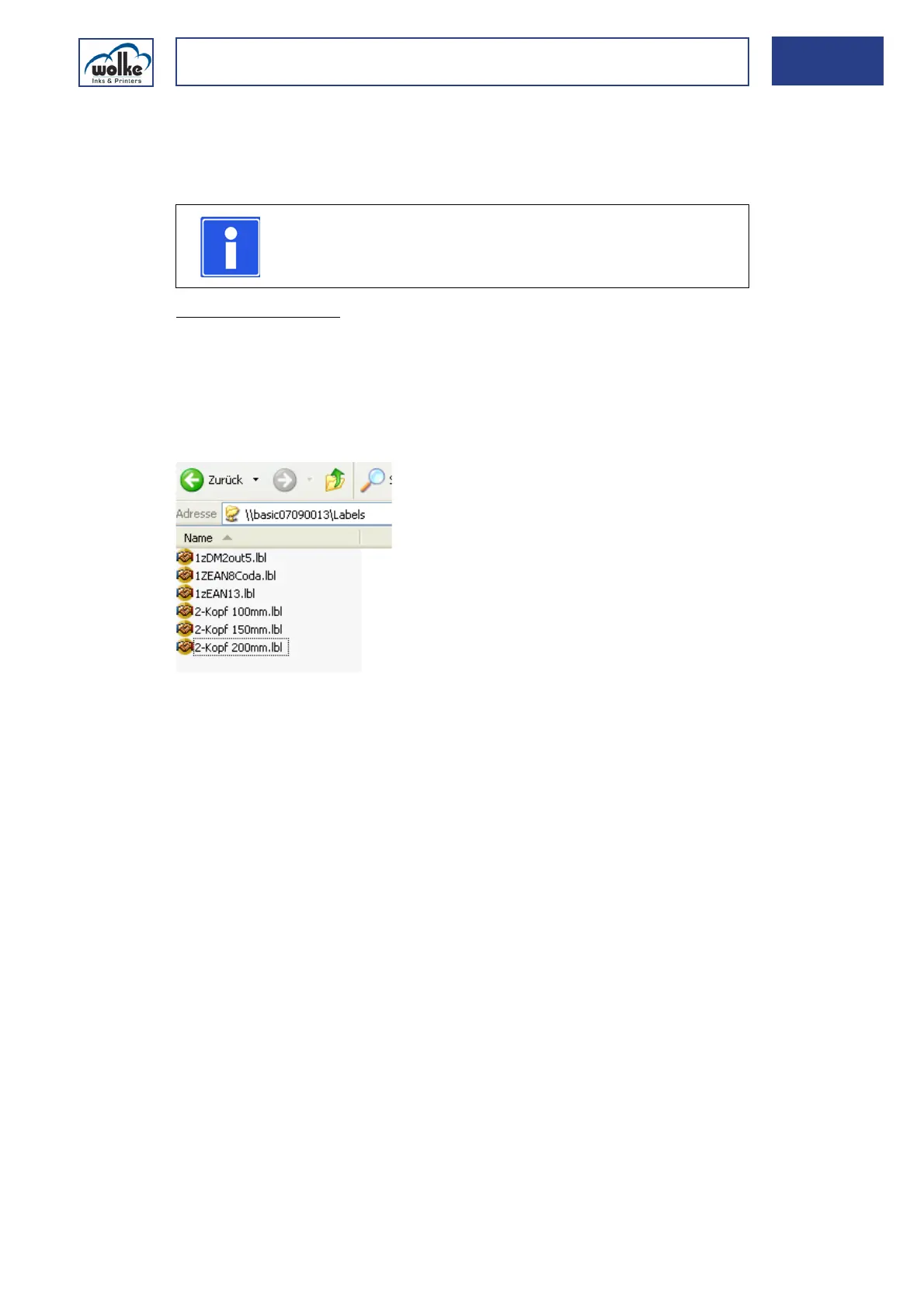
Description of the folders - labels
The labels are saved in the folder "Labels". These may also have been
changed via the Label Designer.
Data exchange
via host
computer
Format of the labels:
• Only labels requiring max. 2 print heads may be used.
• The label name must not contain any special characters. If labels are used
which have been created for the m600/advanced.
• The overall length (distance before = 400 mm, print length = 500 mm and
distance after = 2000 mm) must not exceed 2900 mm.
• The labels must have a header of 11 (firmware Classic version 3.83 - 3.86).
NOTE
When the Label Designer is used, restrictions apply (see
Chapter 13.2.1).



 To Next Page