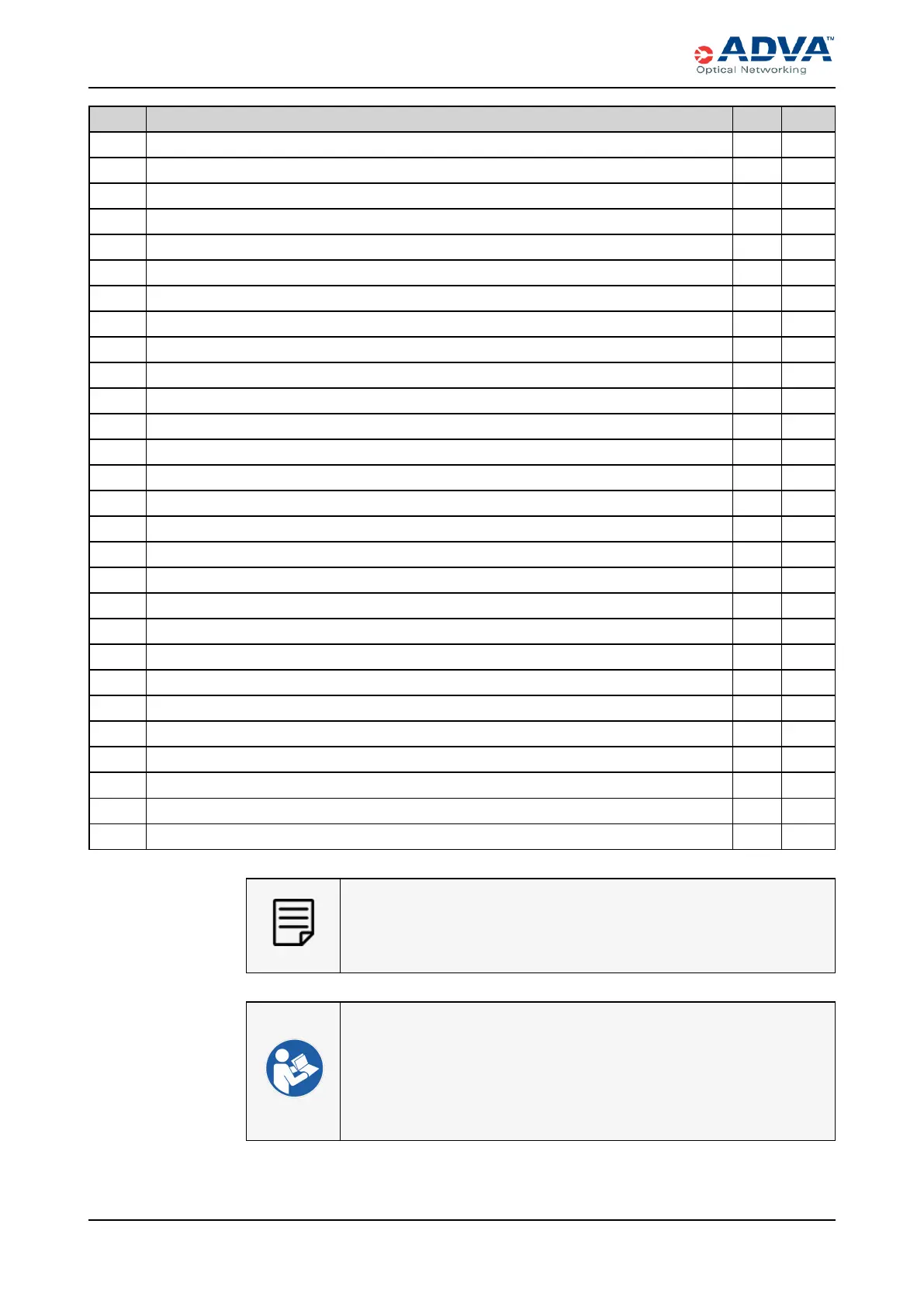
Installation Overview — SH12 and SH4R Shelves
Check Installation Procedure SH12 SH4R
Unpacking the SH12 and SH4R Shelves X X
Inspecting the FSP 3000 C Equipment X X
Installing the Mounting Brackets on the SH12 and SH4R Shelves X X
Installing or Removing Side Air Covers X
Installing the Front Cover Extension X X
Connecting the Grounding Terminals X X
Mounting the SH12 Shelf to a Rack X
Mounting the SH4R Shelf to a Rack X
Removing the SH12 Protection Plate X
Installing the CEM X X
Installing the ECM-2 X X
Installing the FTM-2 in the SH12 X
Installing the FTM-4 in the SH4R X
Installing the PSM-DC in the SH12 X
Installing the PSM-AC4 in the SH4R X
Installing a Traffic Module X X
Installing a QSFPPluggable Transceiver X X
Installing the Slot Covers X X
Connecting the Infrastructure Modules X X
Shortening and Assembling DCPower Cables X
Connecting DC Power to the SH12 Shelf X
Connecting ACPower to theSH4R Shelf X
Inspecting and Cleaning Fiber-optic Connectors and Receptacles X X
Connecting the Optical Cables X X
Installing the SH12 Upper Front Cover X
Installing the SH12 Lower Front Cover X
Installing the SH4RFront Cover X
Optical Network Leveling X X
For commissioning procedures, see the appropriate software document.
See FSP 3000 C Documentation Suite for the list of available documents.
l General Electrical Safety Guidelines and Warnings
l Installation Safety Guidelines and Warnings
l Electrical Safety Guidelines and Warnings
l Product Safety Labeling
l Service Personnel Assumptions
170 FSP3000 C Hardware Guide - R1.1 - Issue:A (12/09/2016)



 To Next Page